





 Enter store
- Description
Buyer's Attention pls:
1.Rapoo authorized store,100% original Rapoo products.Anti-Fake Brand Mark Available on the side of the original packing and you can check it on Rapoo official website:www.rapoo.com.
2.We test all our products before sending out to assure them works well.
3.Battery not included,For safe transportation,we will remove the battery.
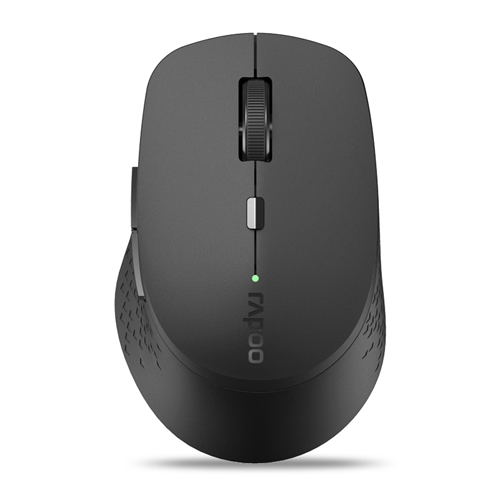
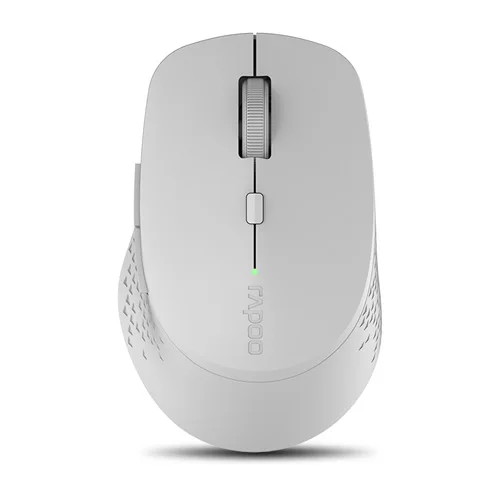
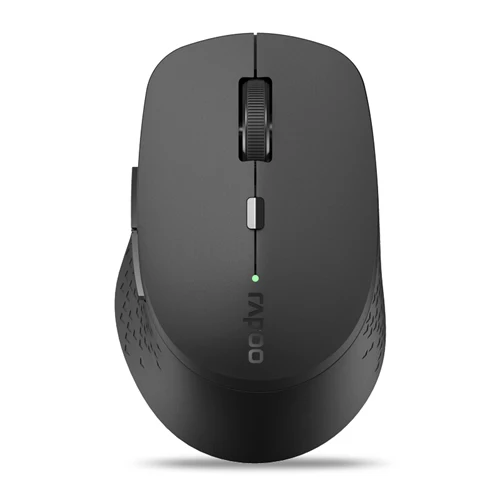
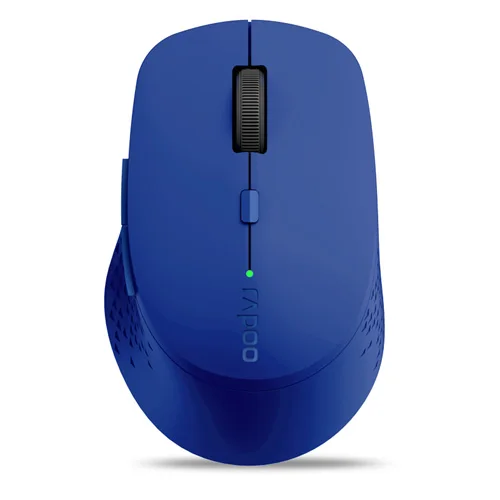
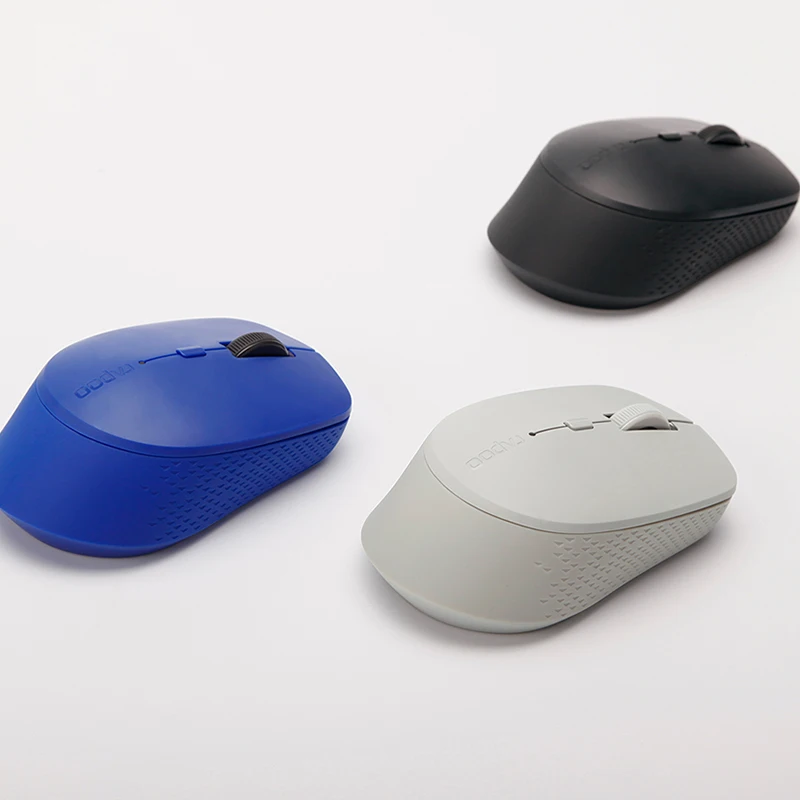
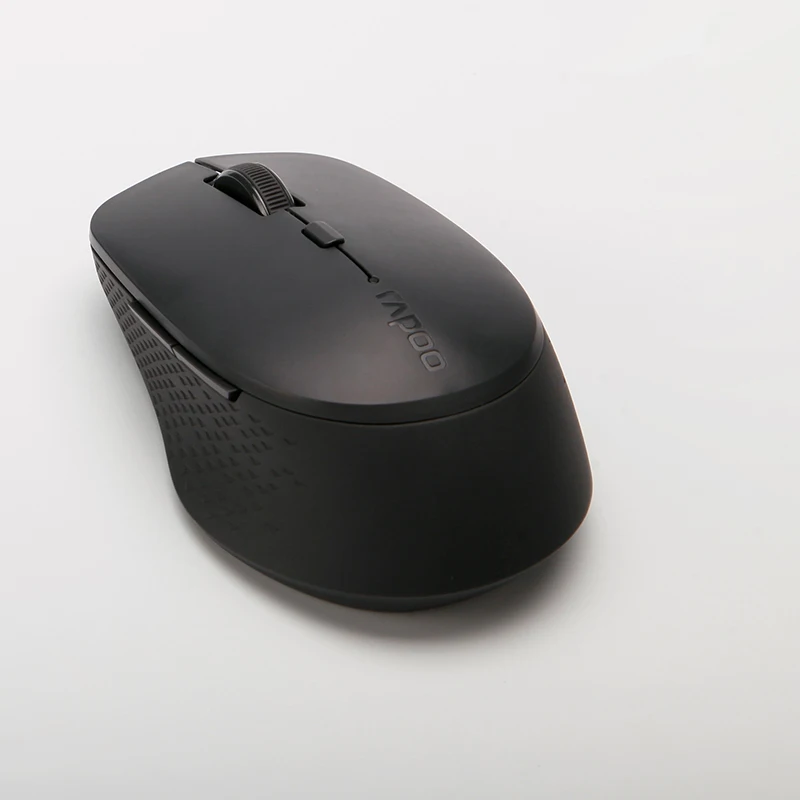
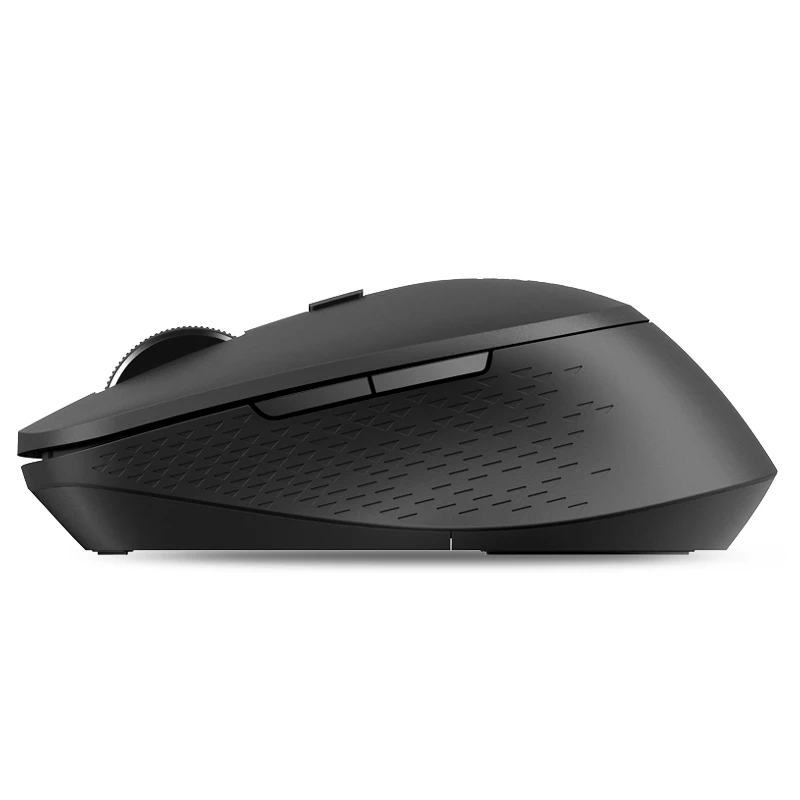
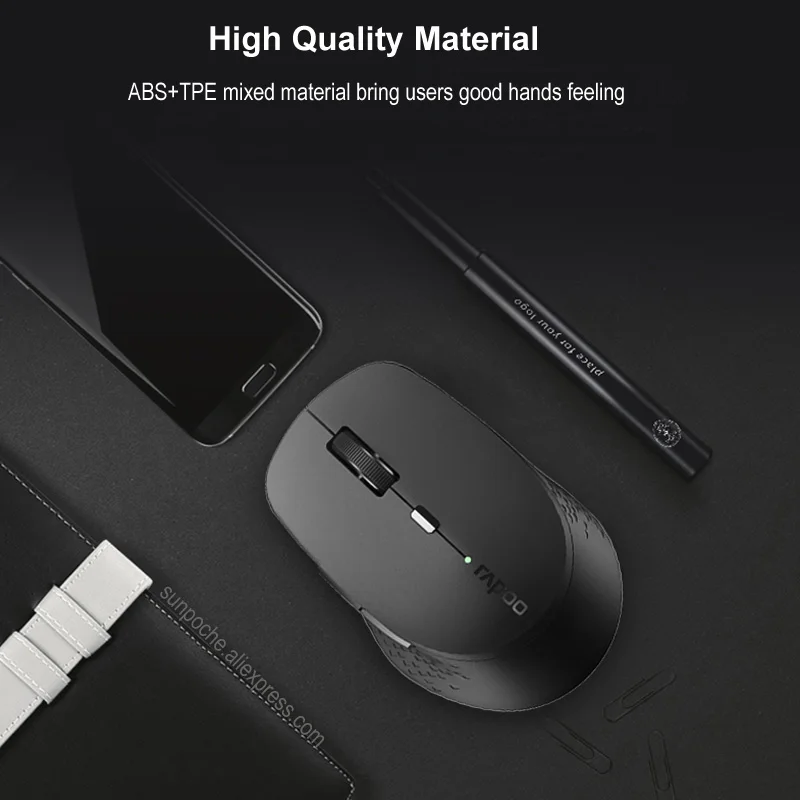
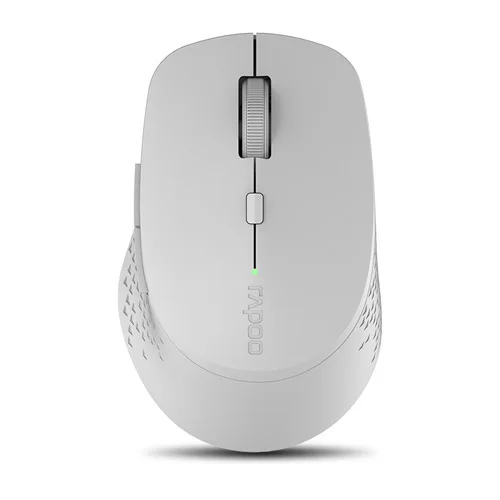
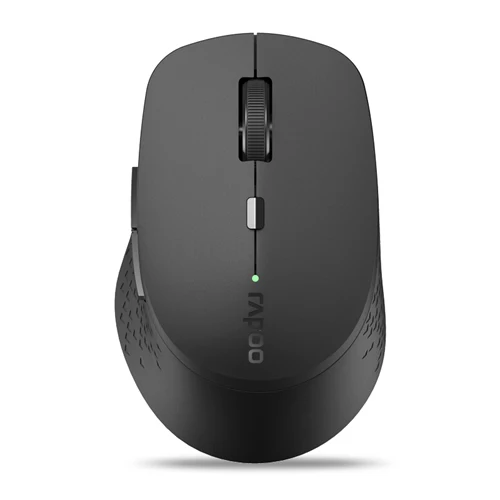
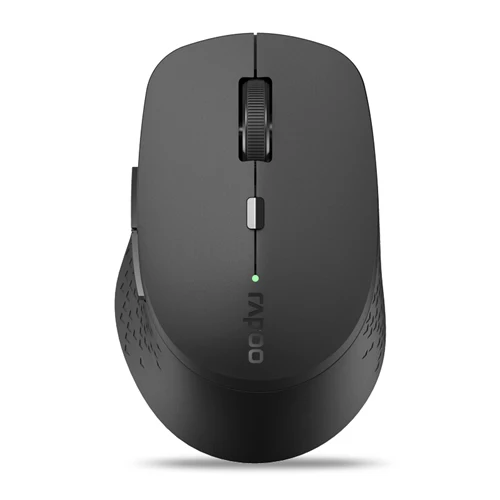
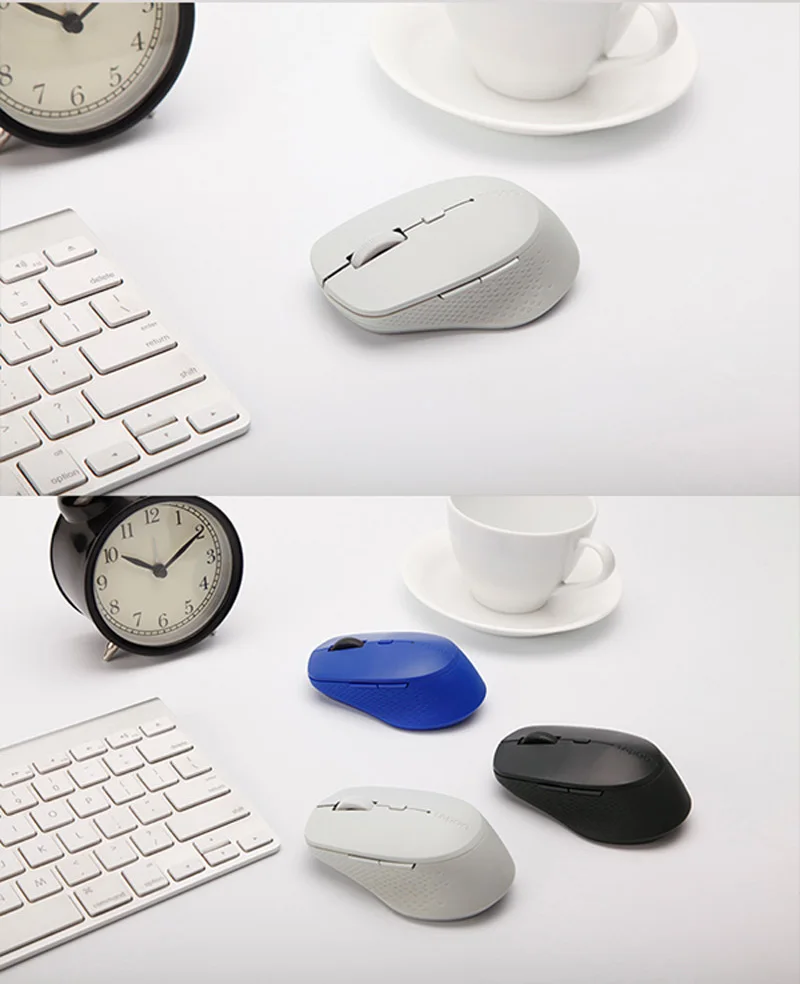
Orignial Rapoo Multi-mode Silent Wireless Mouse with Side buttons Bluetooth-compatible and 2.4GHz for Three Devices Connection
(Please kindly be noted: Rapoo M300/M300G are same design mouse,we will send you random.thanks for your support.)
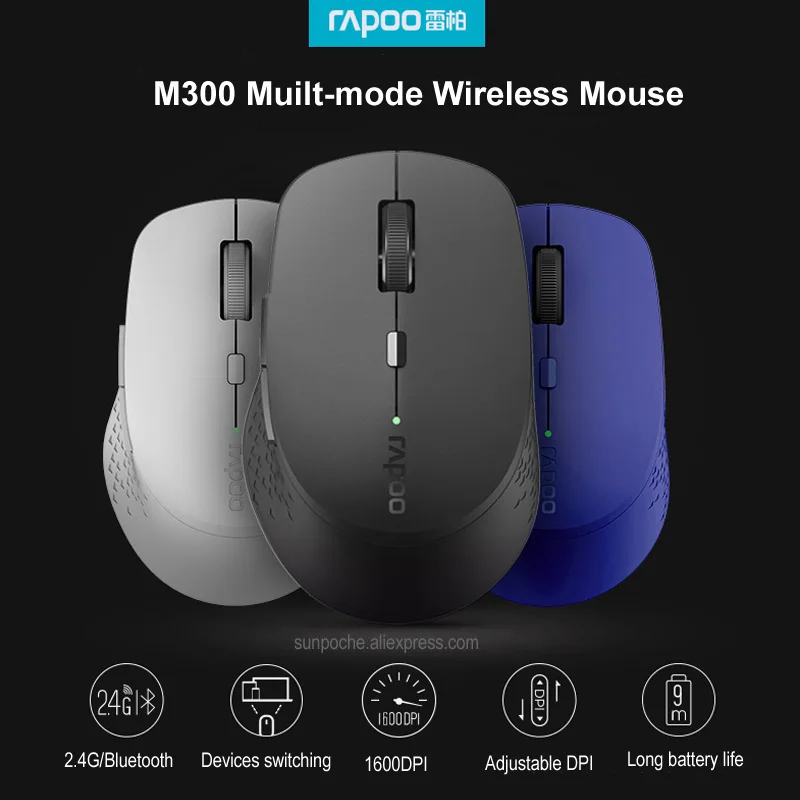
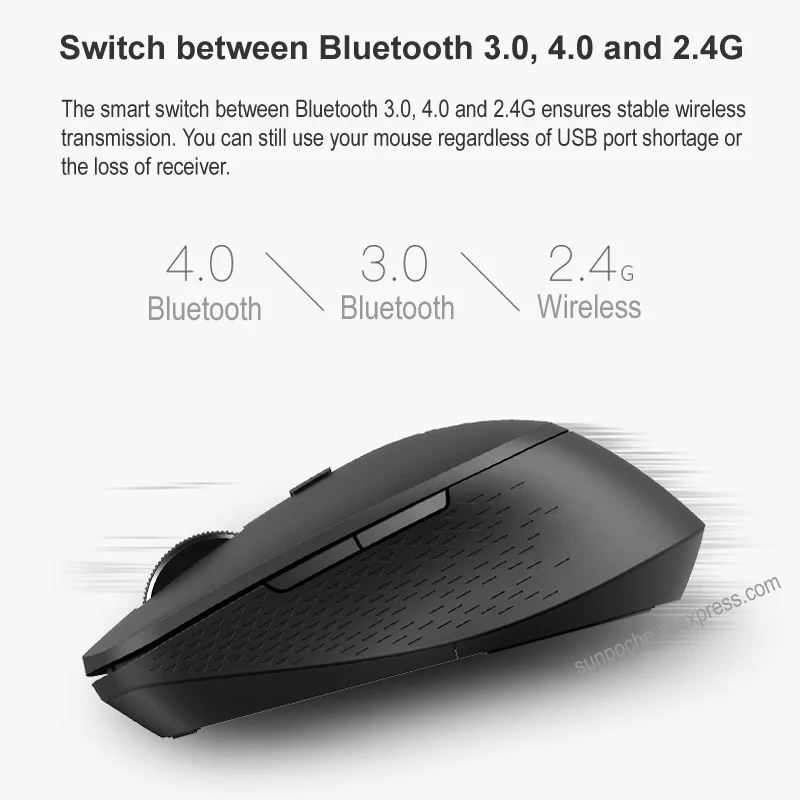
Switch between Bluetooth 3.0, 4.0 and 2.4G
The smart switch between Bluetooth 3.0, 4.0 and 2.4G ensures stable wireless transmission. You can still use your mouse regardless of USB port shortage or the loss of receiver.
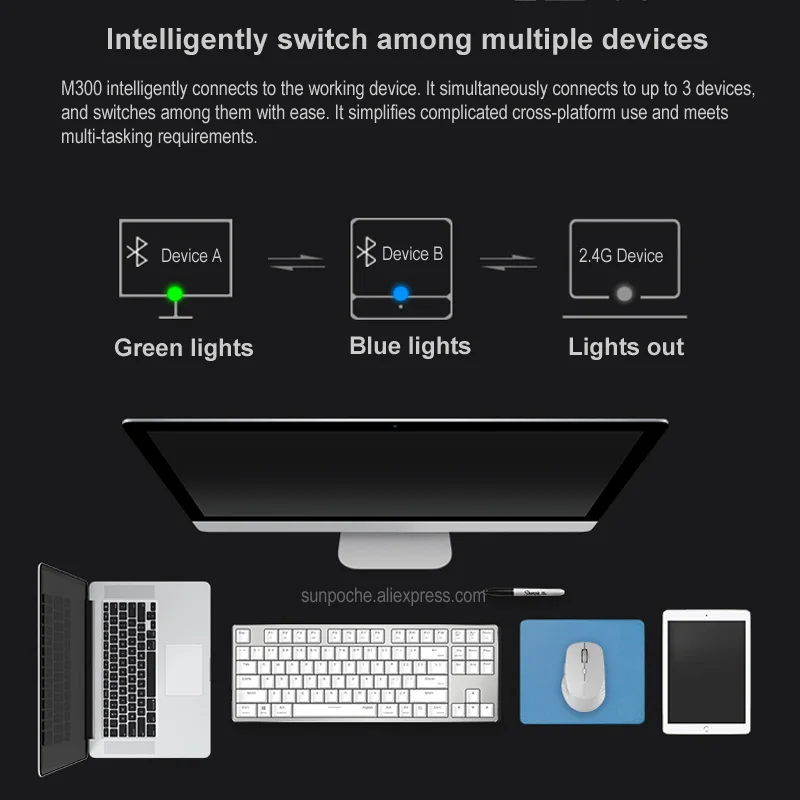
Smart switch between multiple devices
Automatically pairs the working device. It simultaneously connects to up to 3 devices, and easily switches between them. It simplifies complicated cross-platform maneuvers and meets multi-tasking requirements.
Precision on nearly every surface
The high-performance optical engine enables you to use mouse on virtually any surface. Enjoy a high-speed response and unrivaled accuracy.
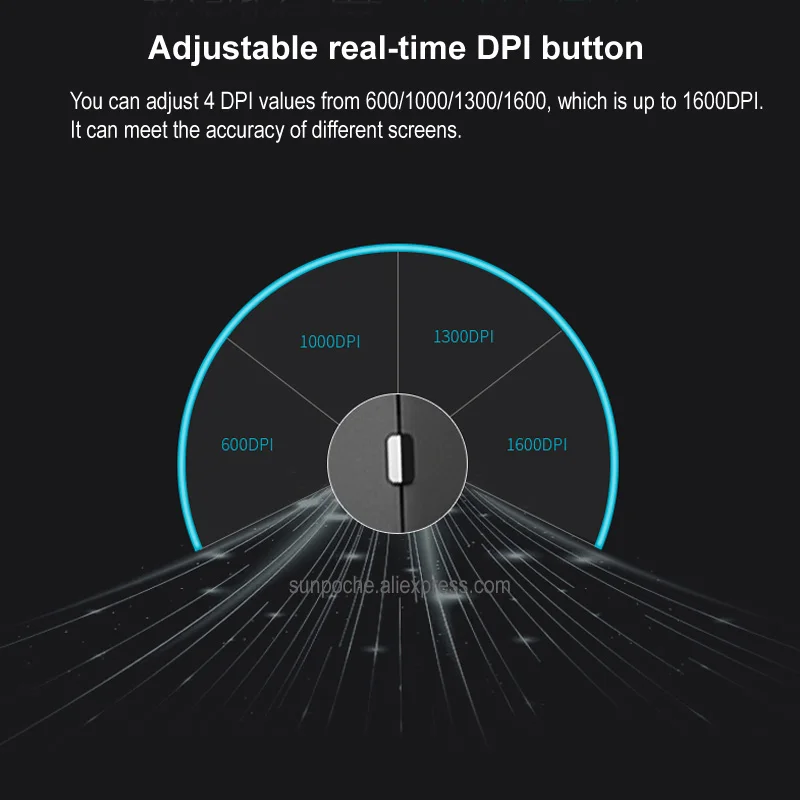
Fully adjustable DPI sensor
Precise down to the last pixel: with the adjustable DPI sensor, accuracy is no longer left to chance. Adjustable from 600 DPI to 1600 DPI, you can adapt it to match your preference.
9-month battery life
With Rapoo's latest energy saving technology and power switch, you can use your mouse without power interruption for up to 9 months.
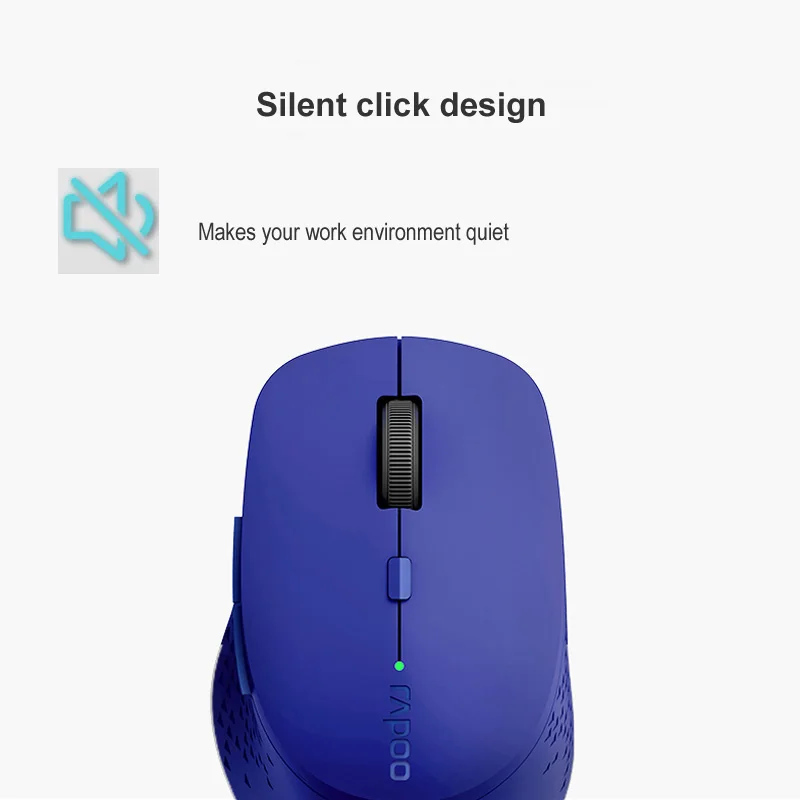
Silent design
This is a wireless noiseless mouse,help you create a quiet working environment.
Package Included:
1X Rapoo Multi-mode Wireless Mouse(Battery not included)
1XUSB Receiver
1X User Manual






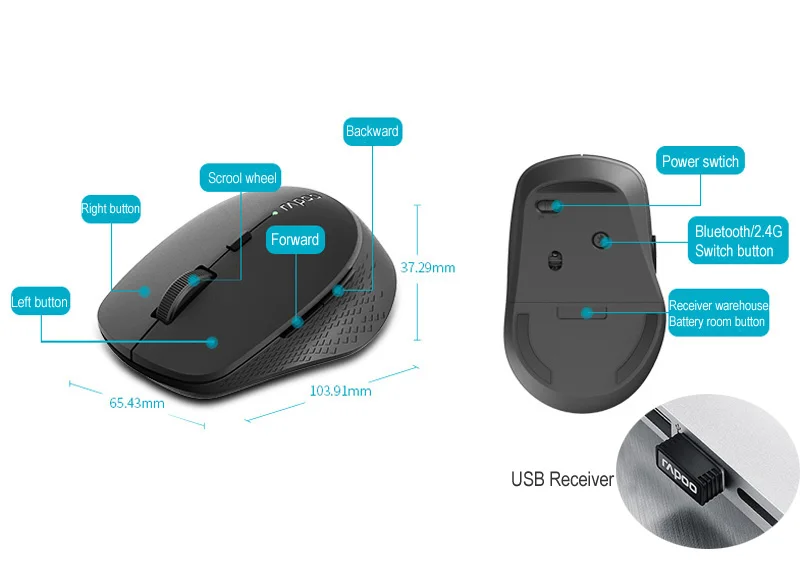
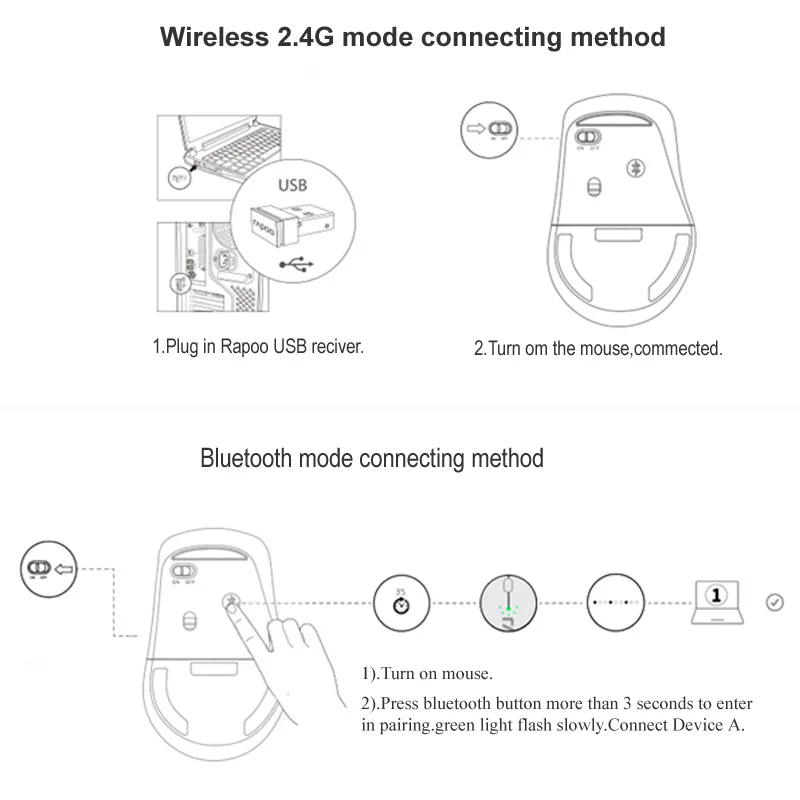
How to connect by 2.4G and Bluetooth?
2.4G:
1.Plug in Rapoo receiver.
2.Turn on Mouse.
3.Done.
Bluetooth 3.0 and 4.0:
1.Turn on power
2.Press Bluetooth button three seconds to start pairing,green flash,connect bluetooth A.
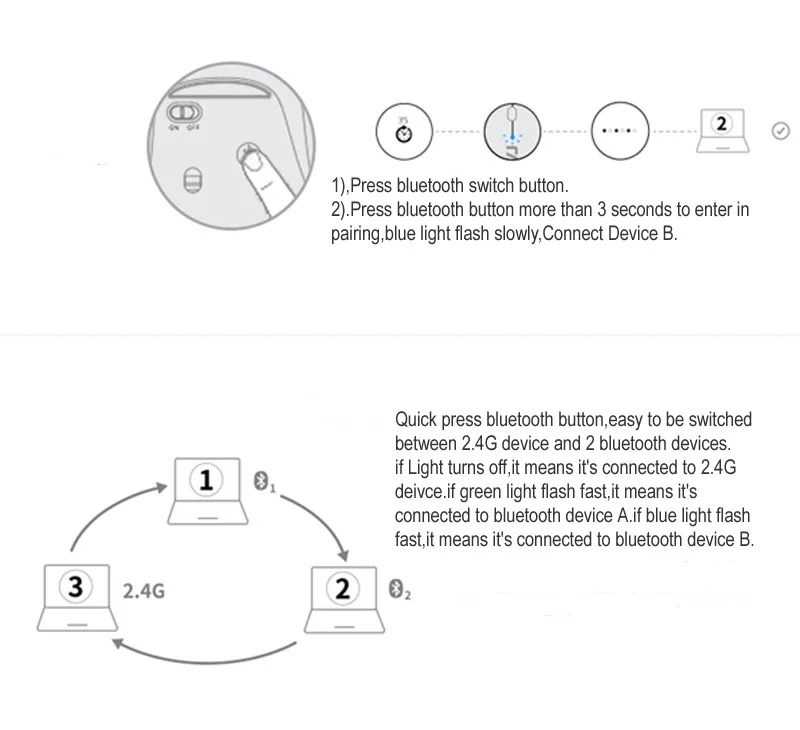
1.Short press the Bluetooth button to switch device.
2.Press Bluetooth button three seconds to start pairing,blue slow flash,connect bluetooth B.
Mouse indicator light description:
1.Green light flash quickly,bluetooth channel A;blue light flash quickly,bluetooth channel B.
2.Press bluetooth button more than 3 seconds,green light flash slowly,
connected bluetooth device A;blue light flash slowly,connected bluettoth device B.
3.After connected successfully.green light keep light 6 seconds,it means connected to bluetooth device A;blue light keep light 6 seconds,it means connected bluetooth device B; indicator light off,it means connected to 2.4Gdevice.






Sales pricing
| Logistics mode | Estimated limitation of transportation (working day) | Gross freight | Other expenses | Unit price | Quantum of output | Suggested retail price |
|---|
* Product total: product sales price * product quantity + total freight
* Suggested retail price: total amount of products/(1 - percentage of third-party platform expenses - percentage of profits)
* Other fees: suggested retail price * percentage of third-party platform fees
* The freight is empty because it is matched by postcode. Please input the exact postcode and re-estimate the freight. If there is still no logistics freight after input, the logistics is not available.
Logistics price list
| Logistics mode | Estimated limitation of transportation (working day) | Country | District | Postcode | Weight(kg) | Gross freight |
|---|---|---|---|---|---|---|
| No transportation available~ | ||||||
$18.34
Package length, width, height:-
Product weight:-
Net weight:-
Product code:GBY537705219077
Quantity:
Stock:10
Freight:
$0.00
shipping free