



 Enter store
- Description
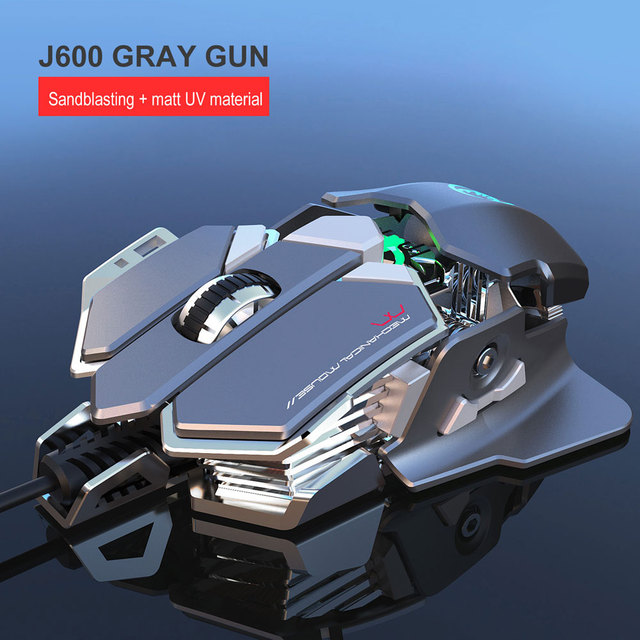
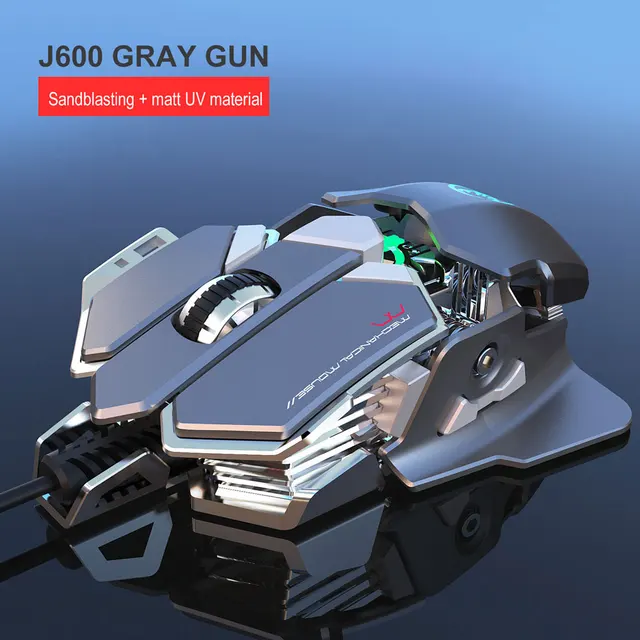
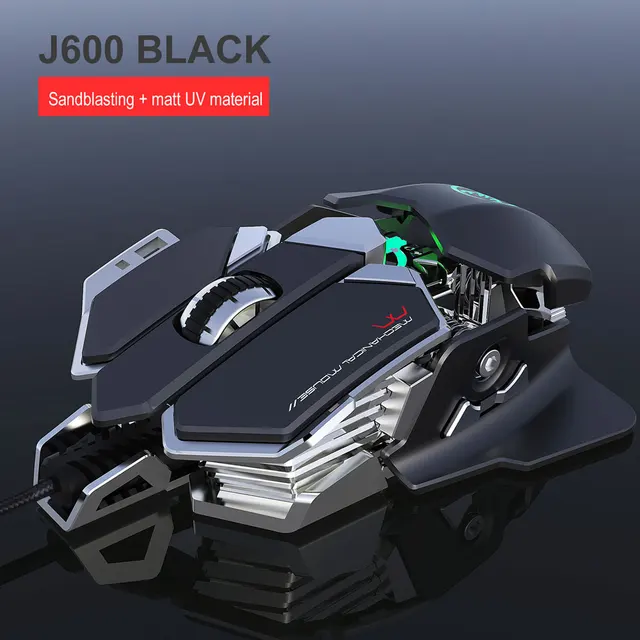
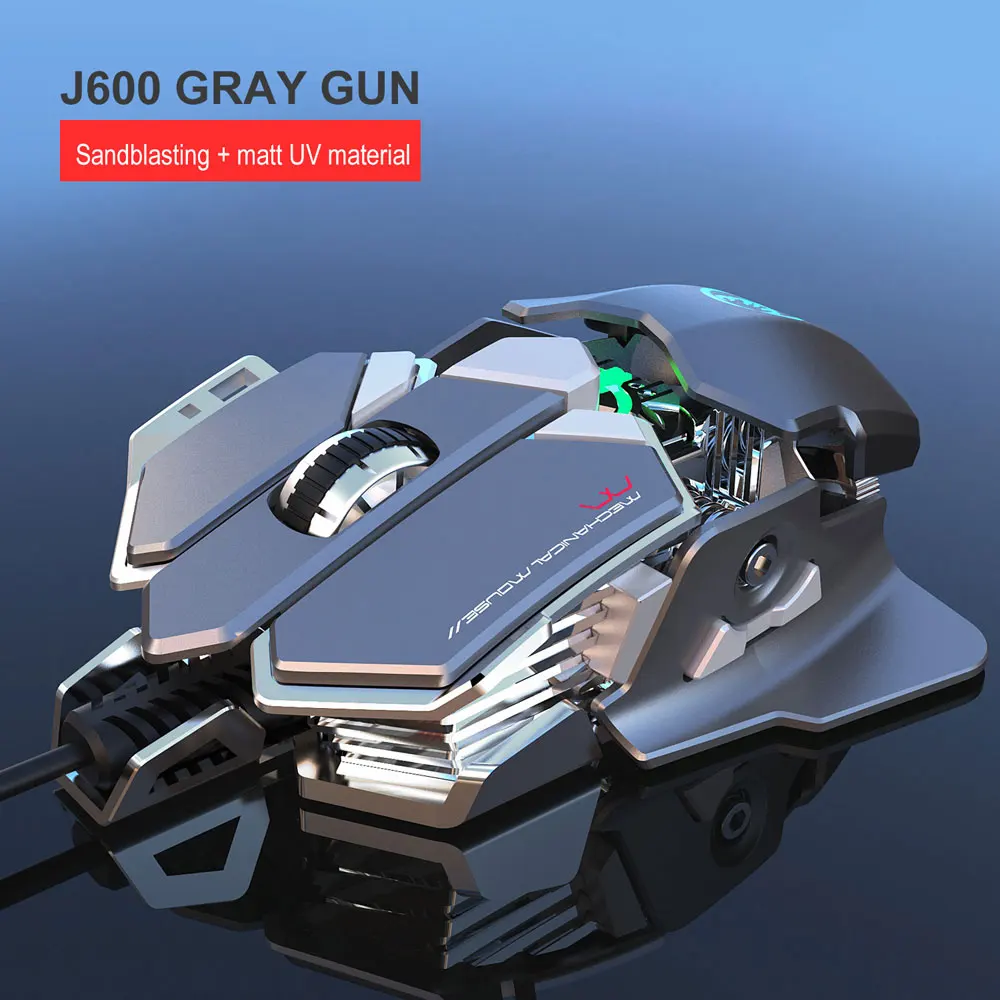
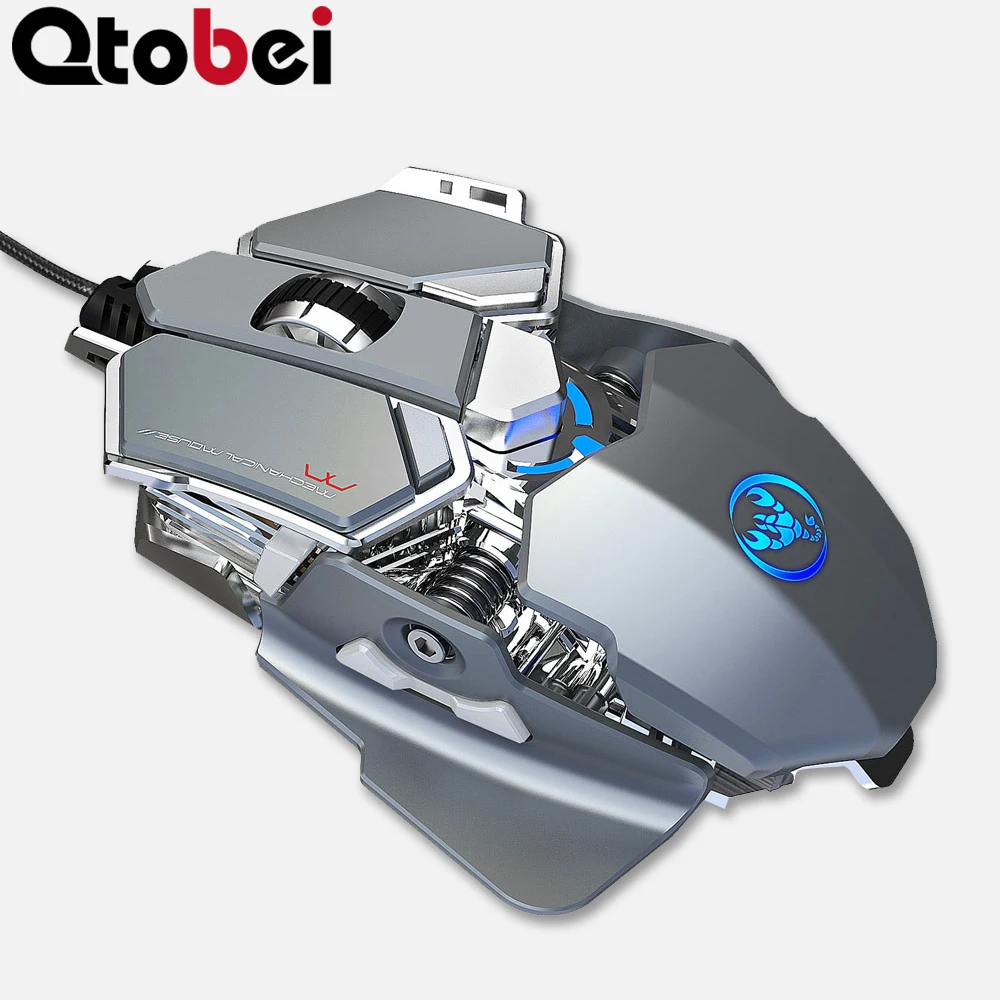
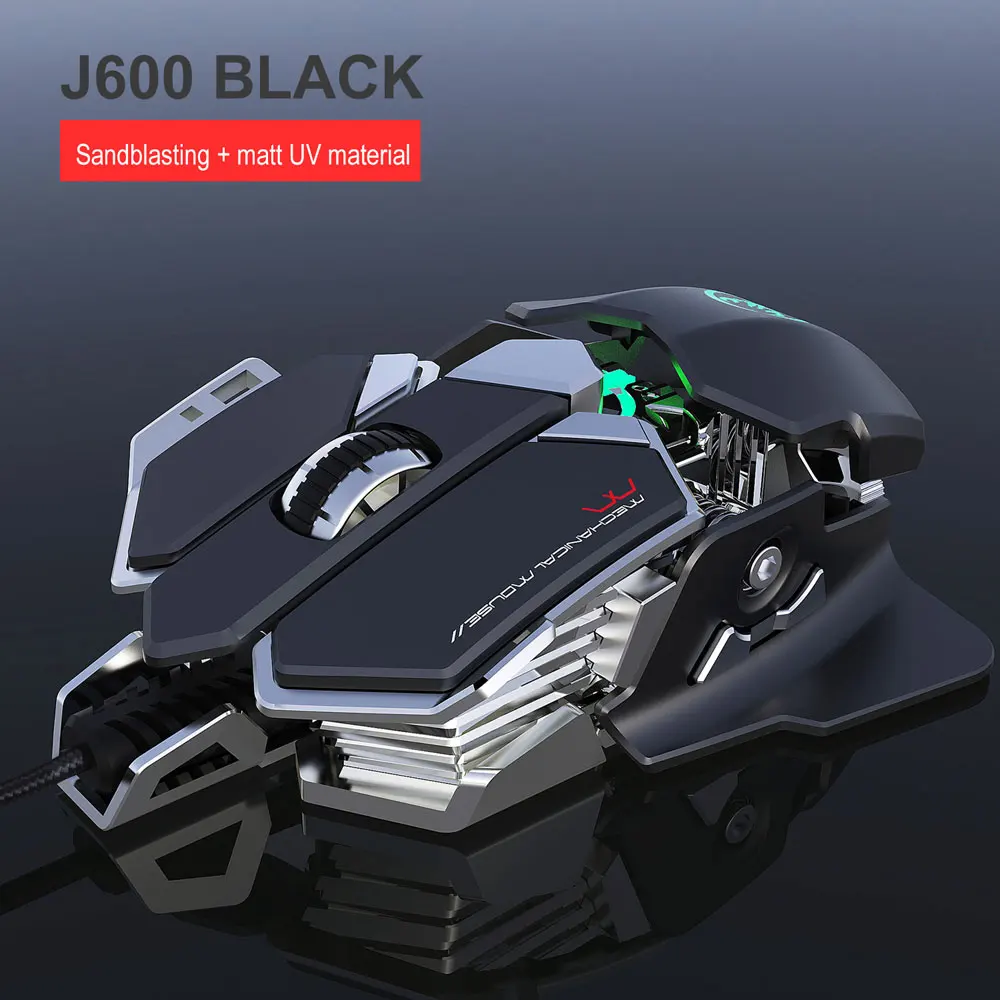
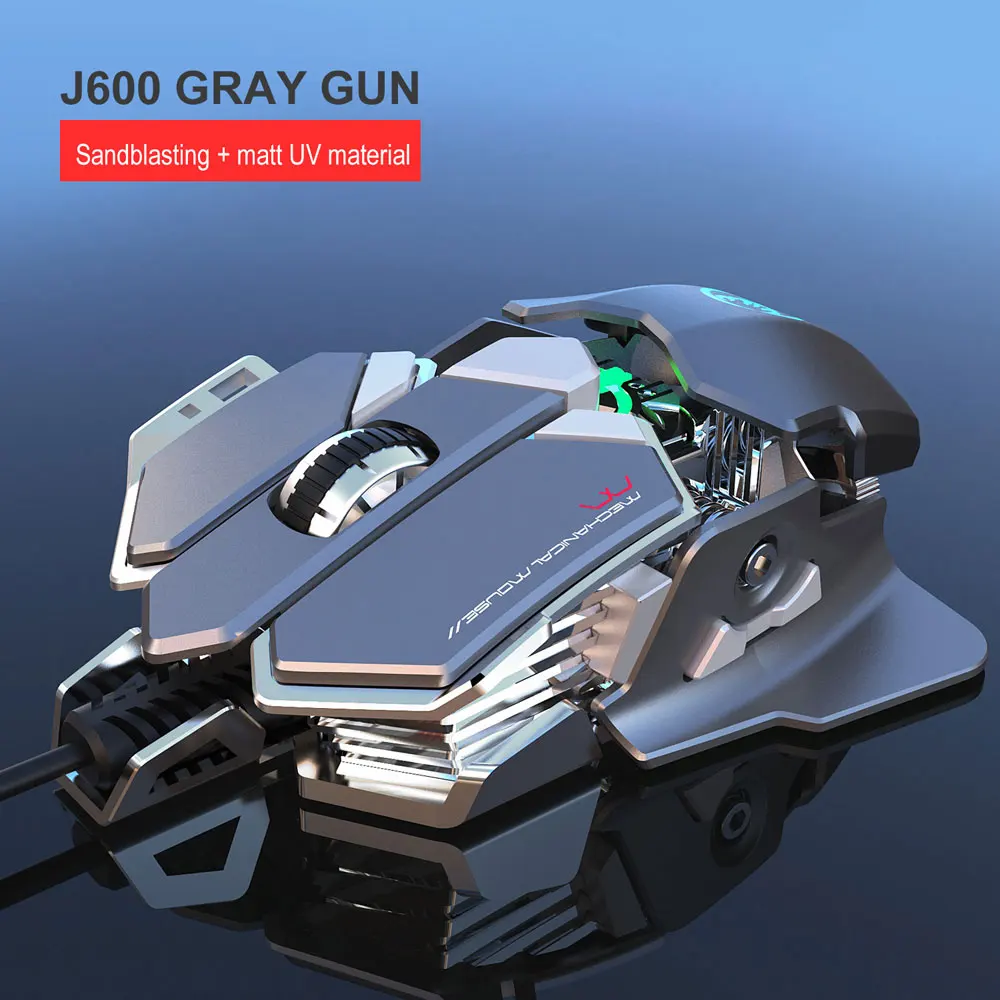
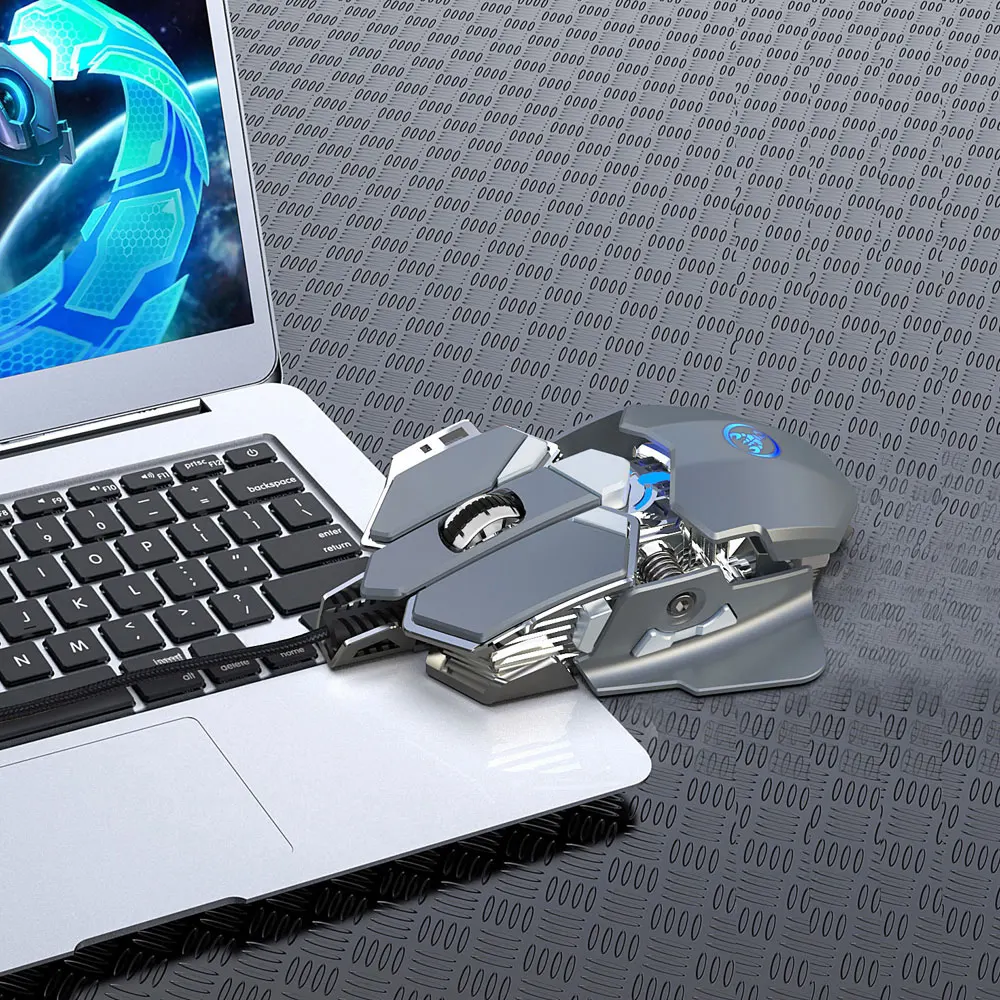
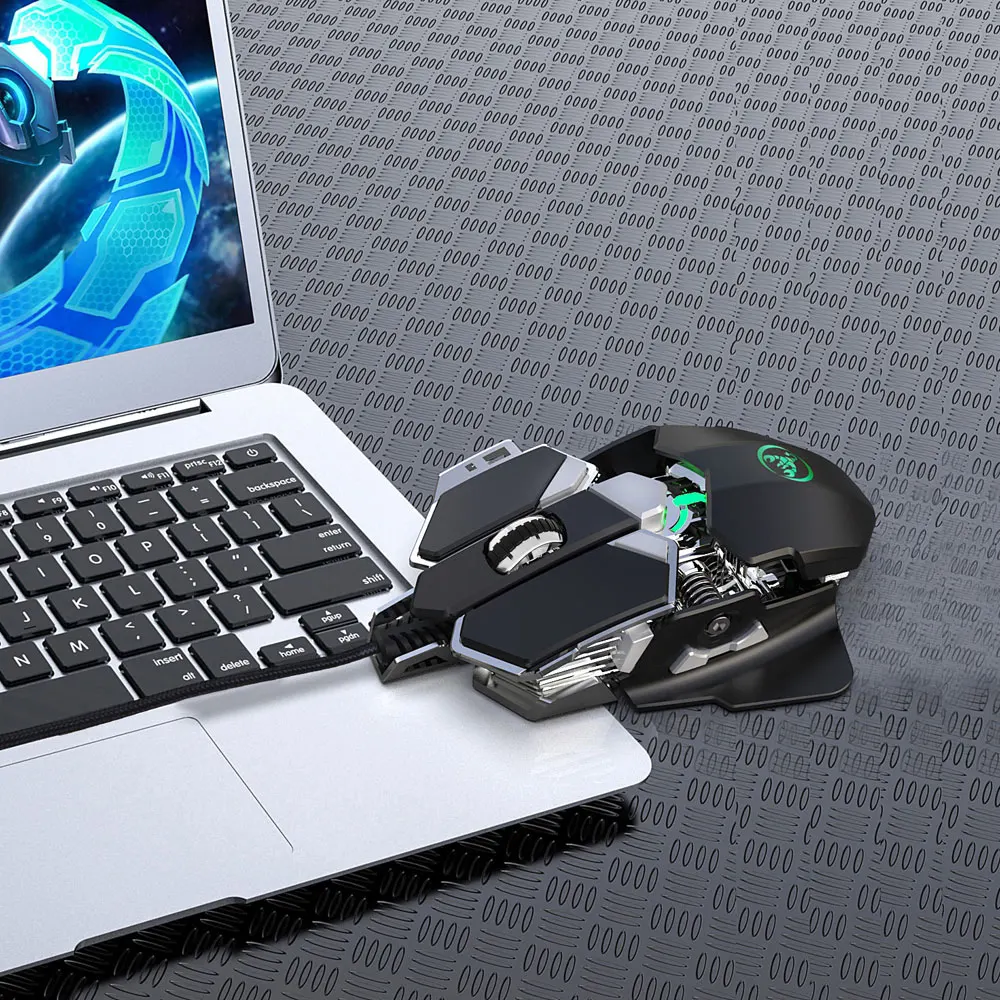
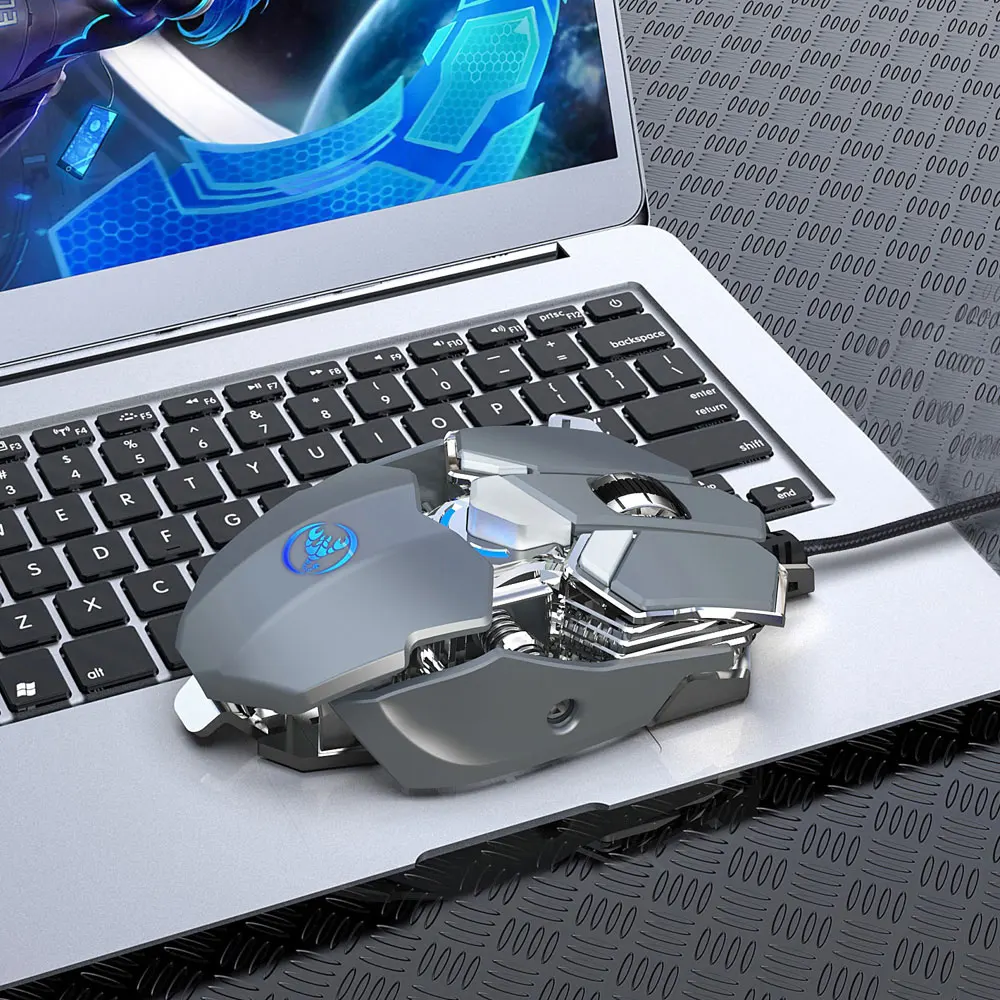
Gaming Mouse 9 Buttons 800-1600-6400 DPI USB Wired Computer Mouse Gamer With LED Backlight Professional Mouse For PC Laptop
Feature:
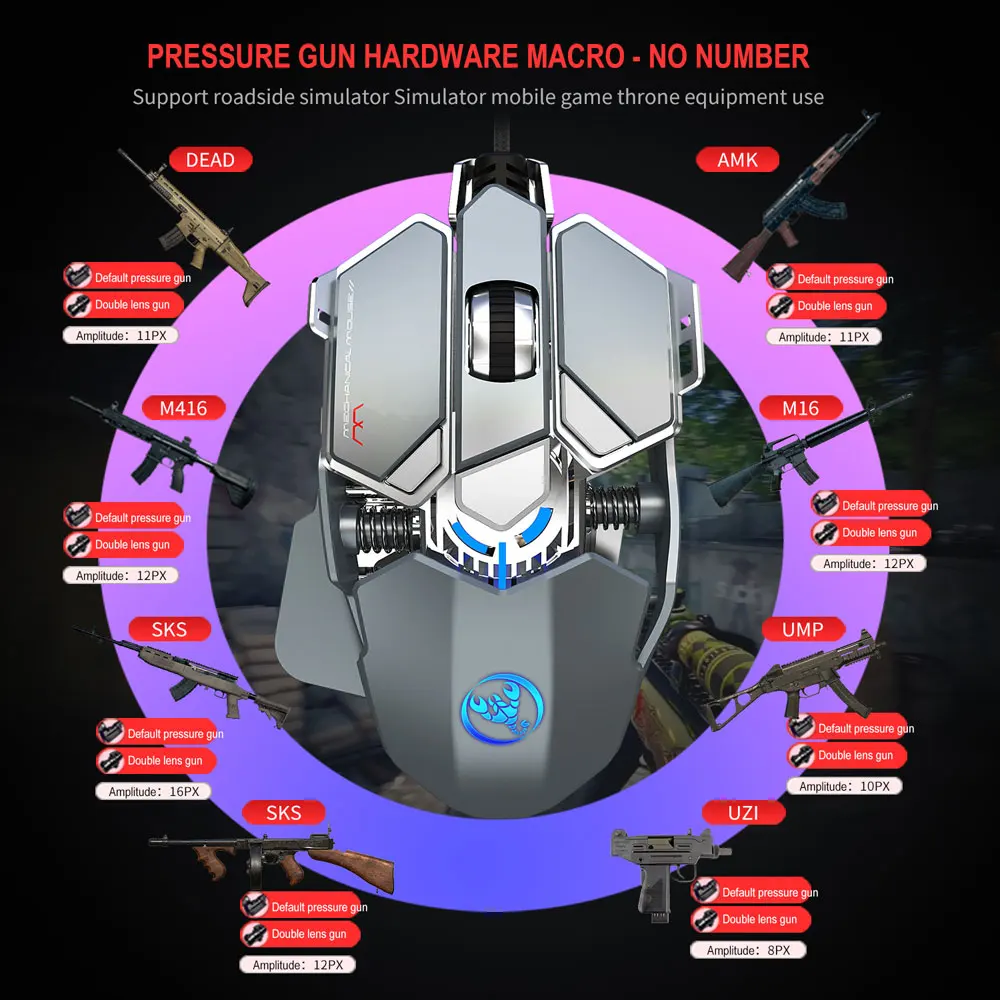
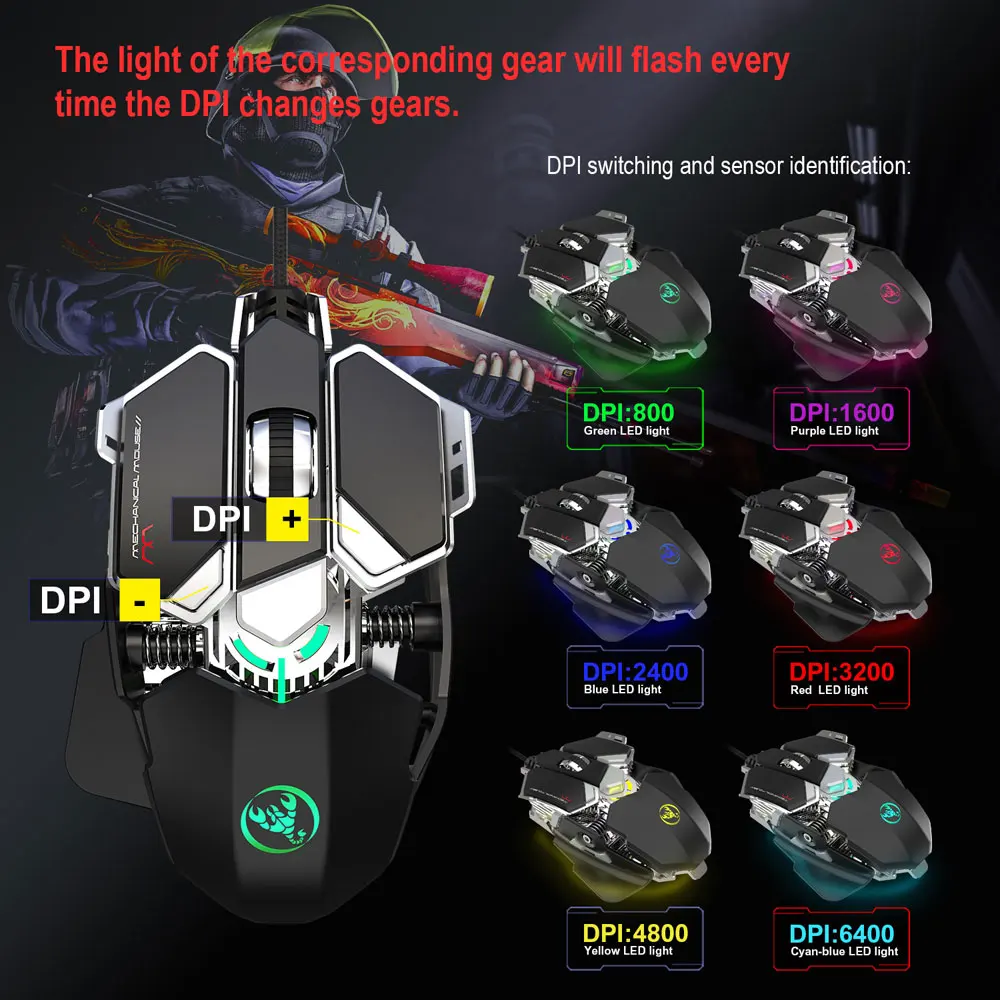
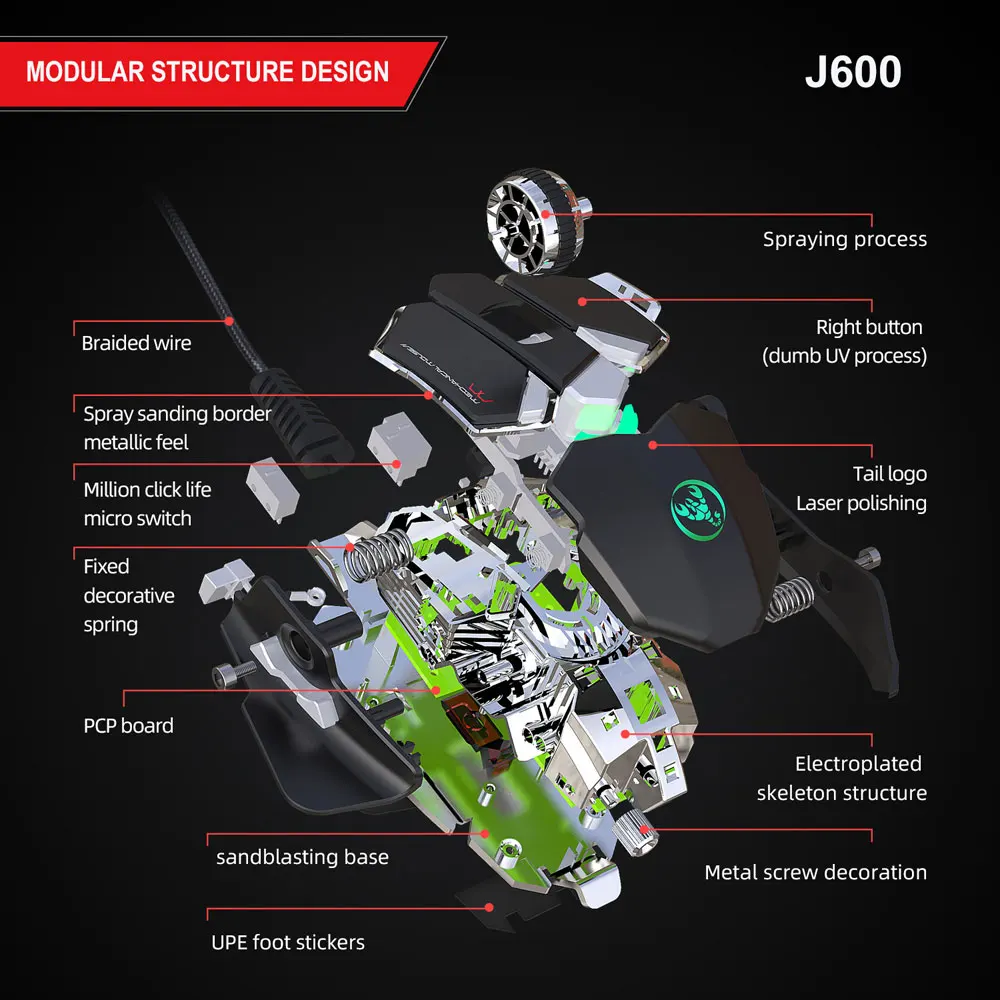
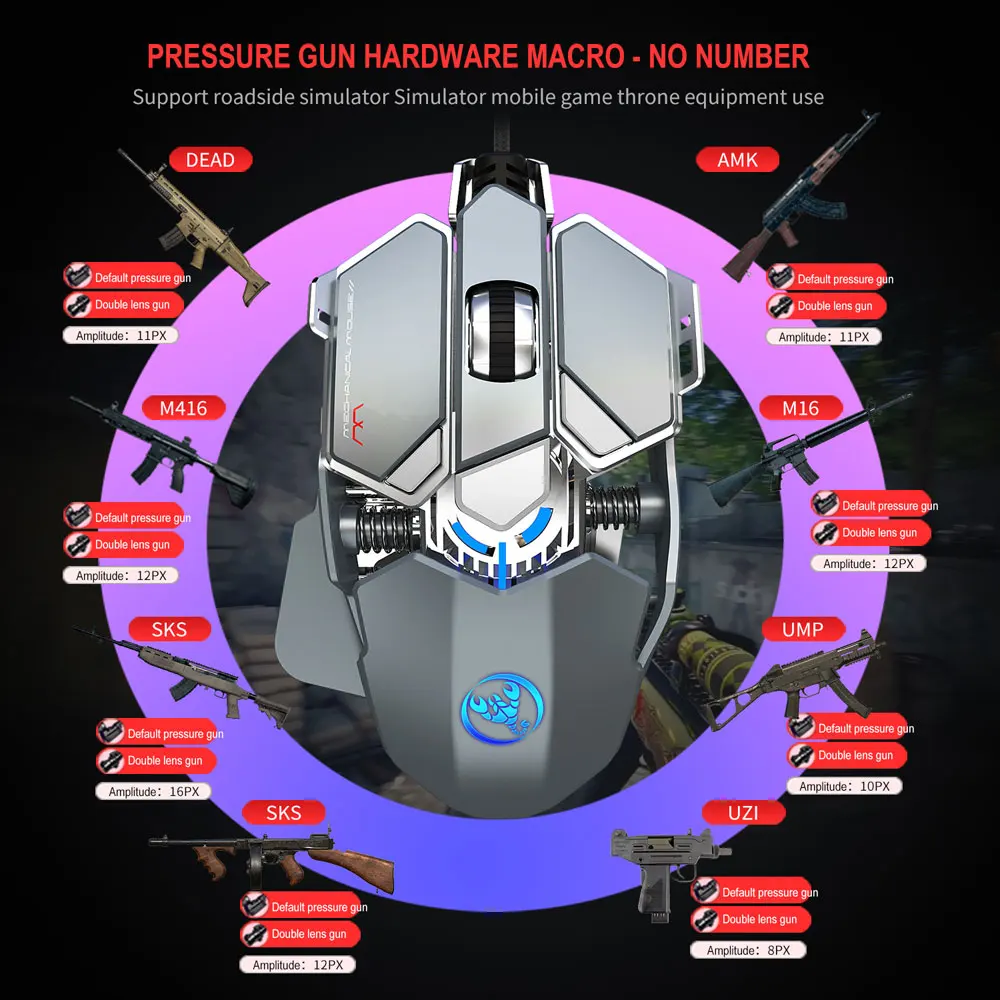
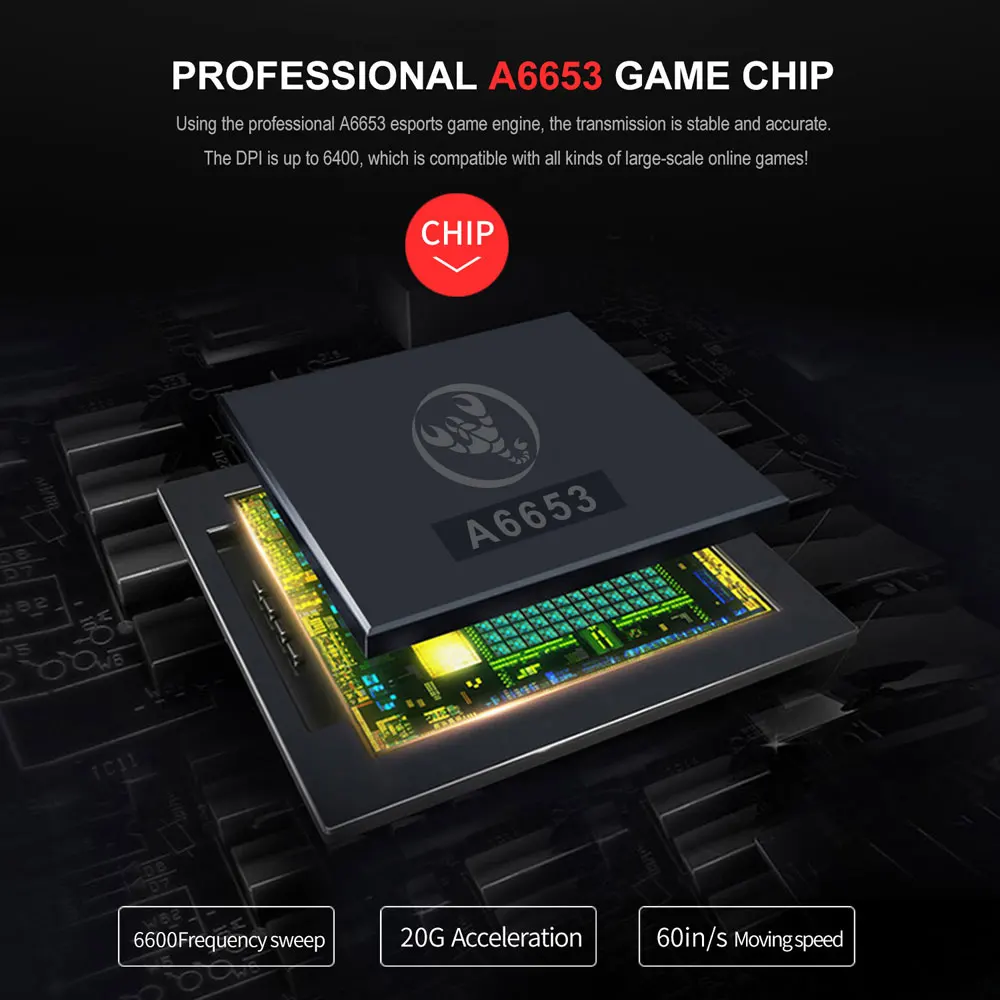
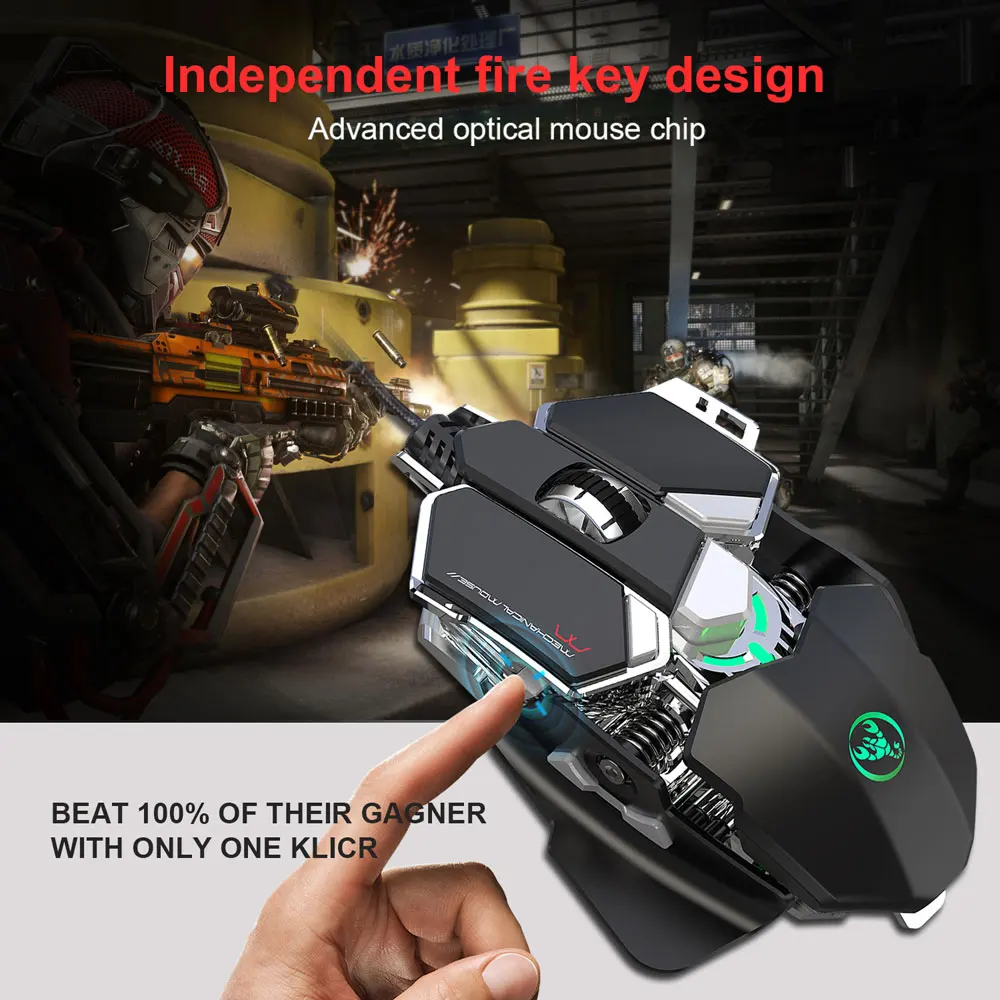
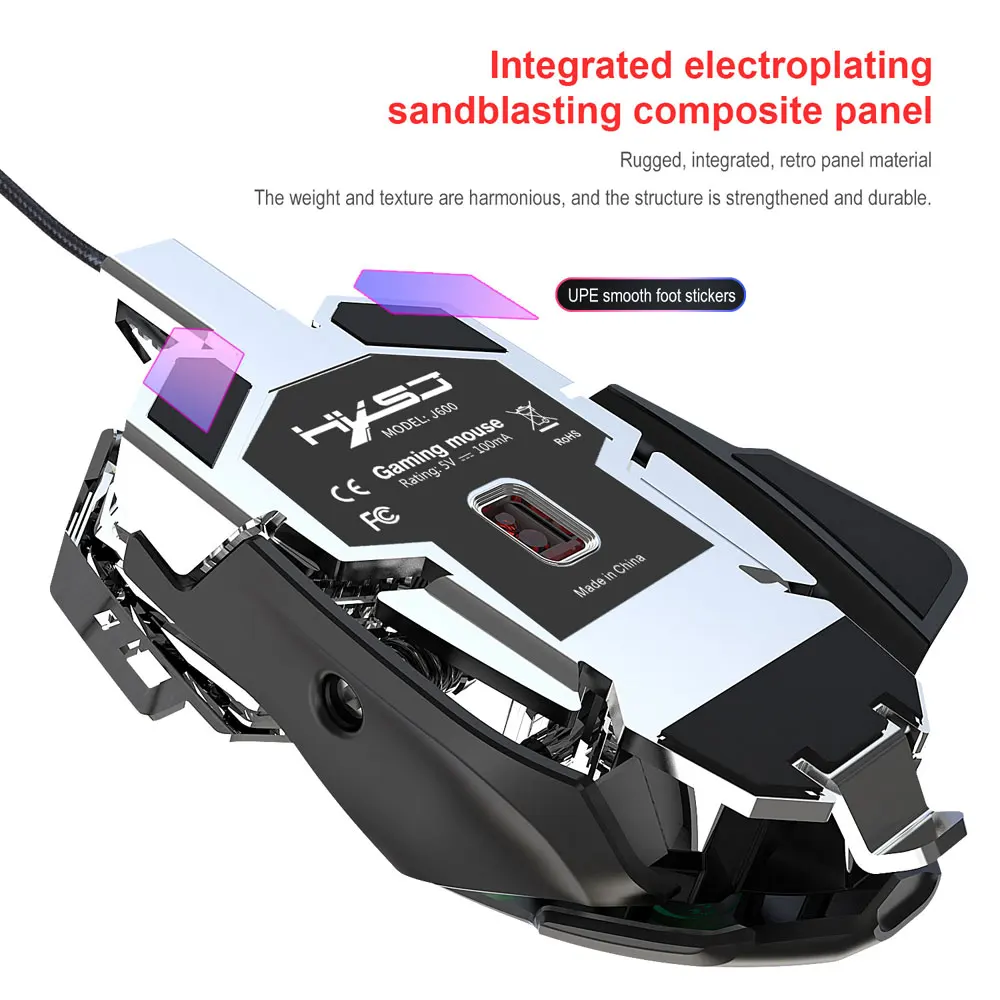
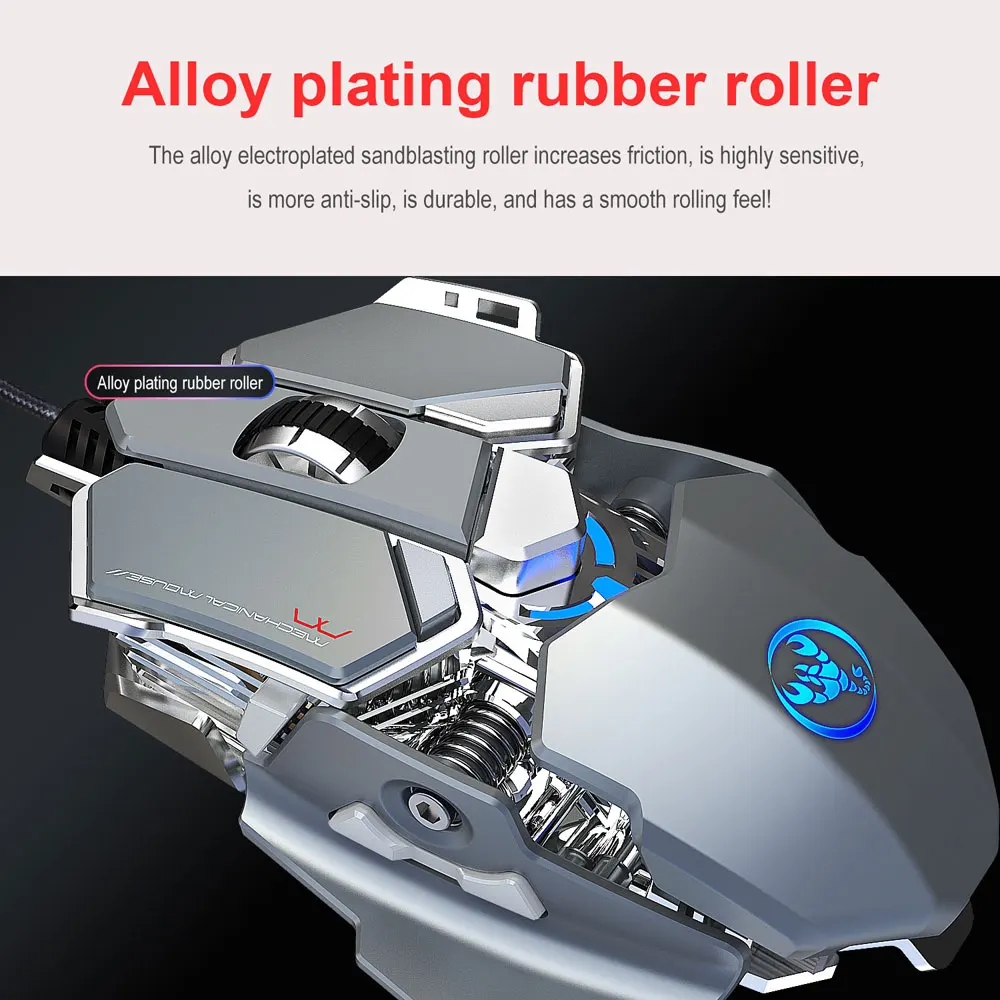
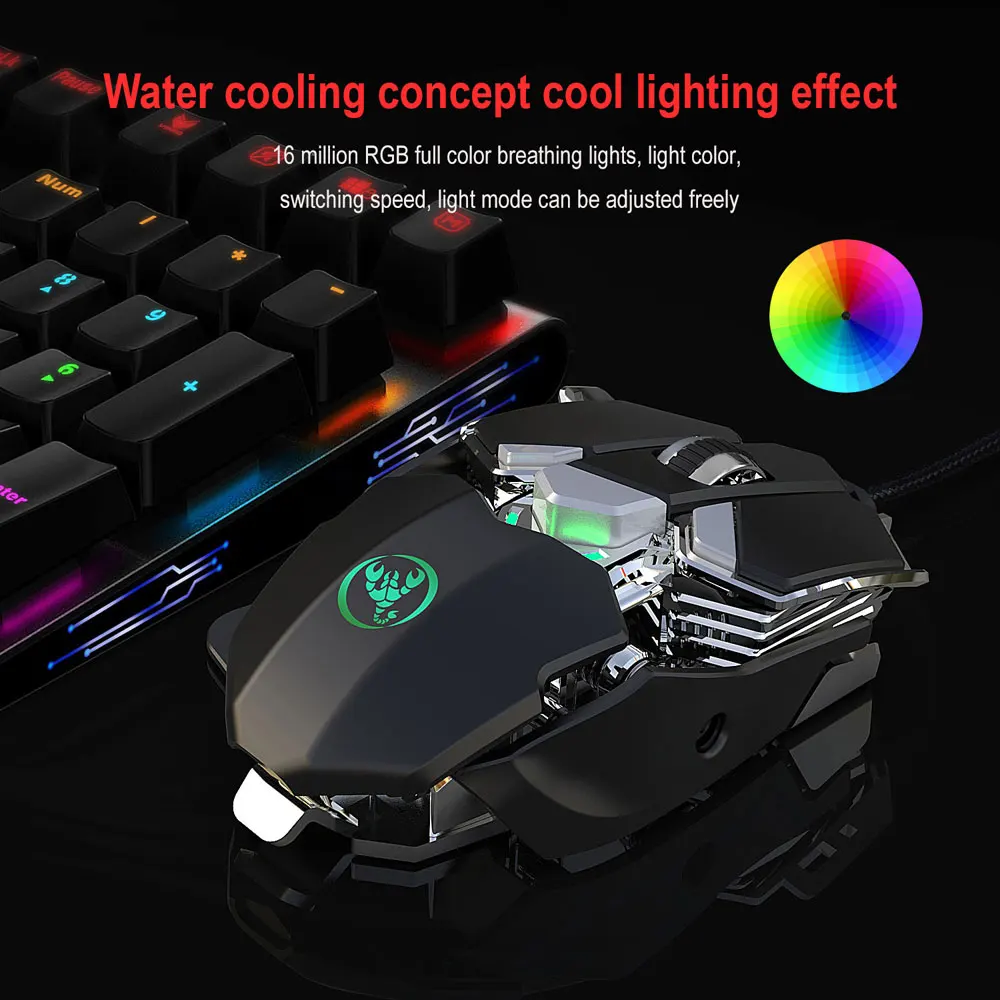
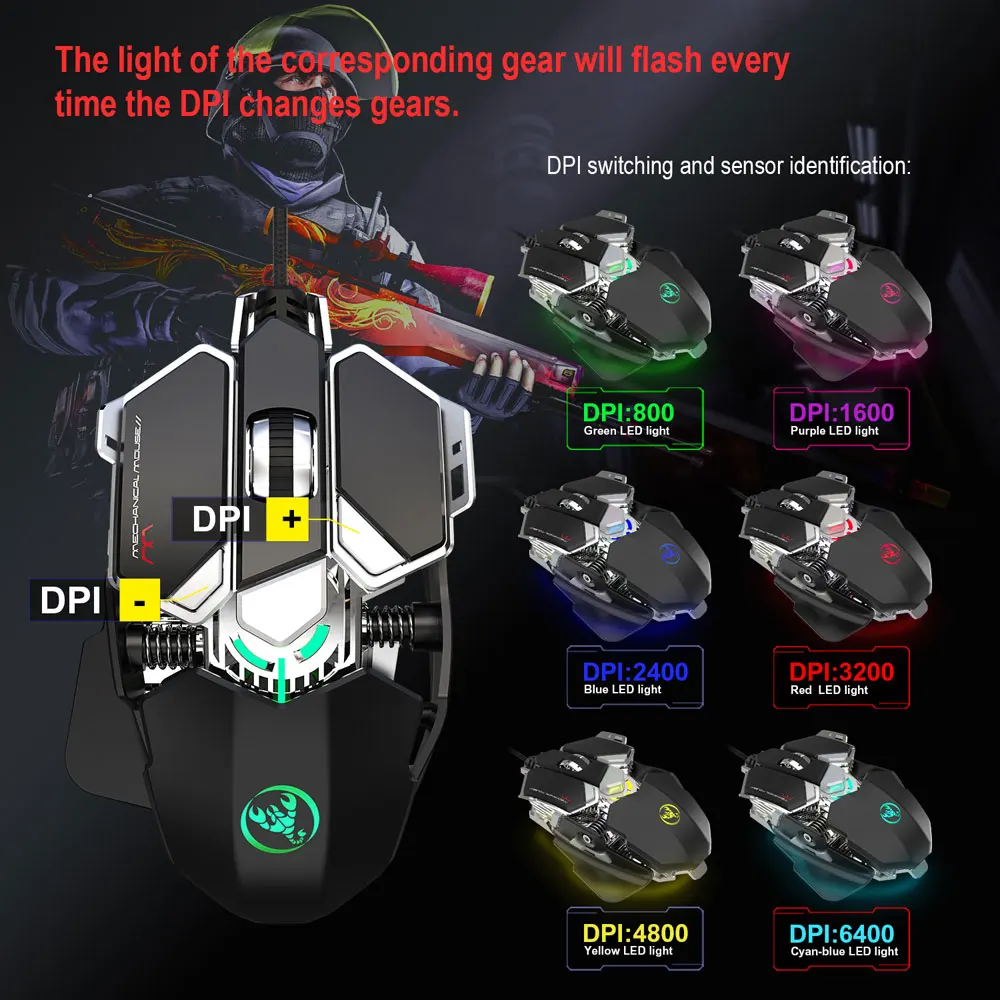
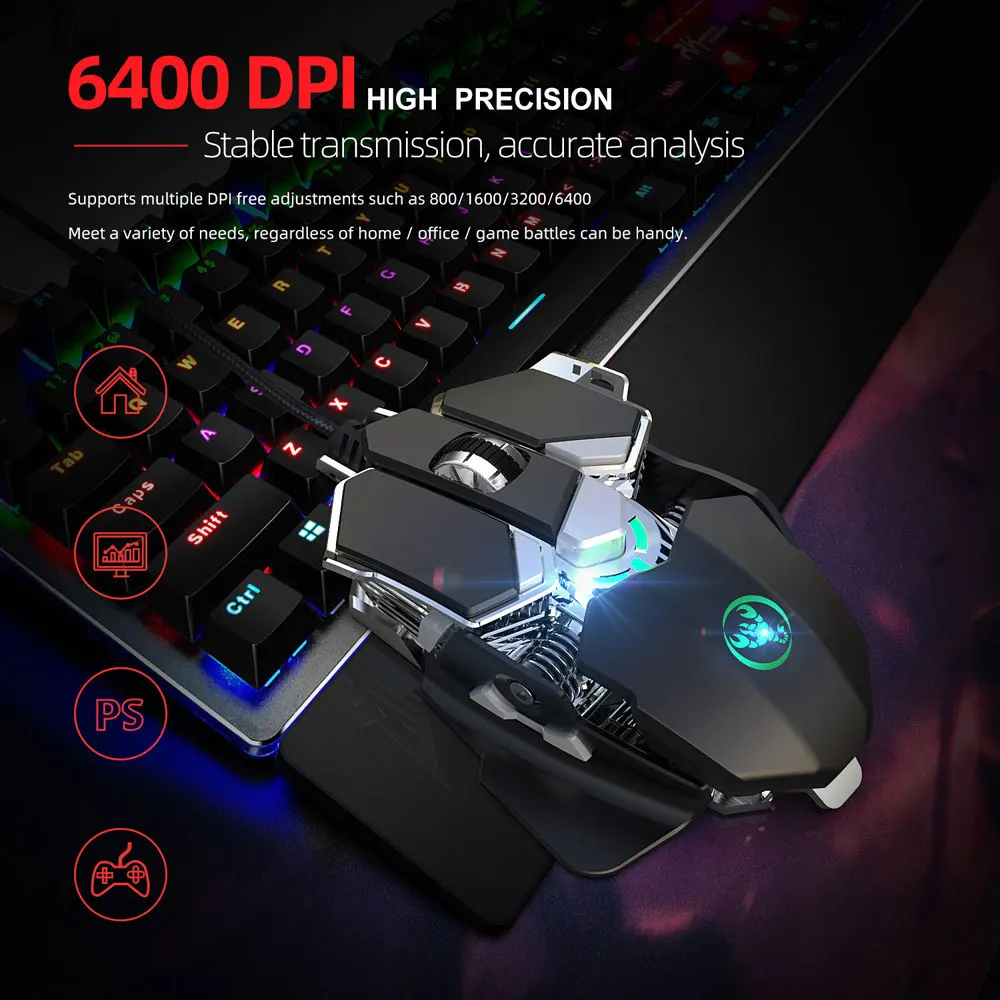
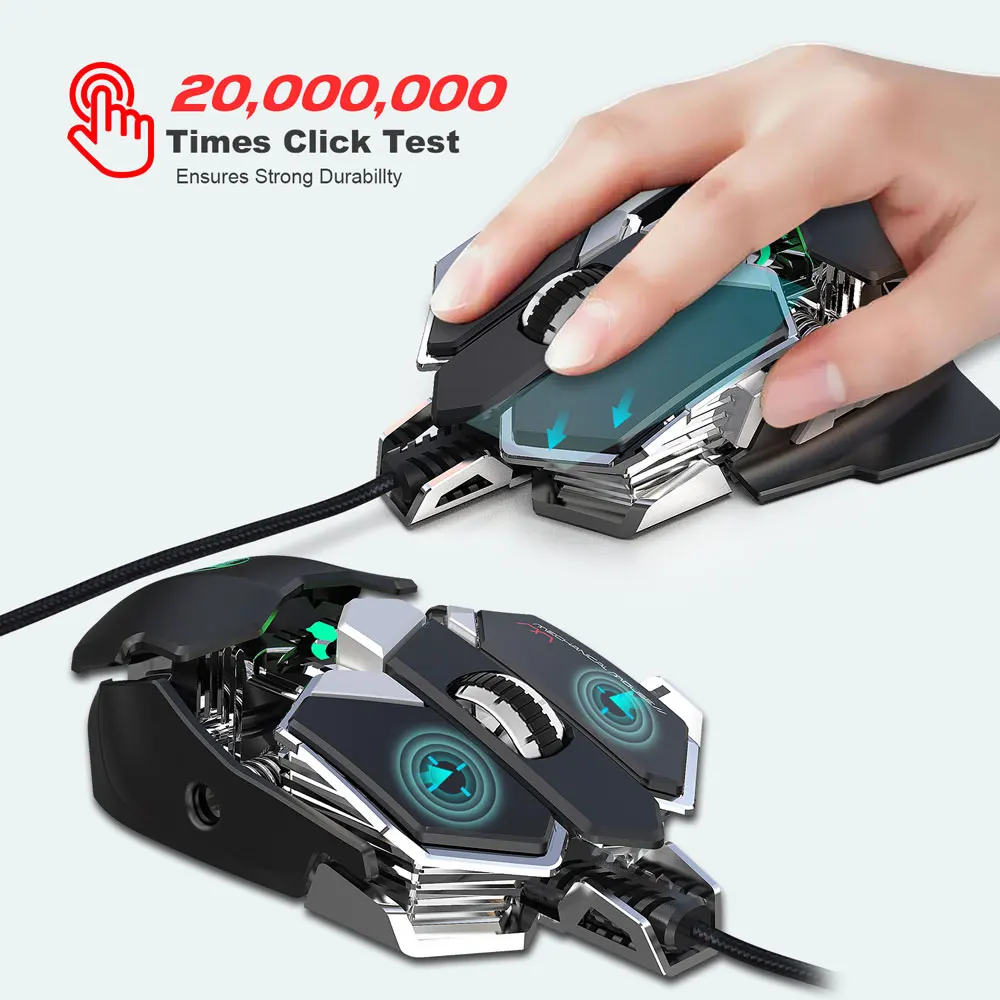
1. Full-key 9 customizable macro programming. 2. Six-speed variable speed adjustable DIP (800-1600-2400-3200-4800-6400). 3. game chip micro switch. 4. Integrated aluminum alloy sandblasted metal floor design. 5. Electroplated apron wheel 3D three-dimensional carving. 6.1680 million color backlight multiple mode changes. 7. Mechanical design, comfortable skin feel.
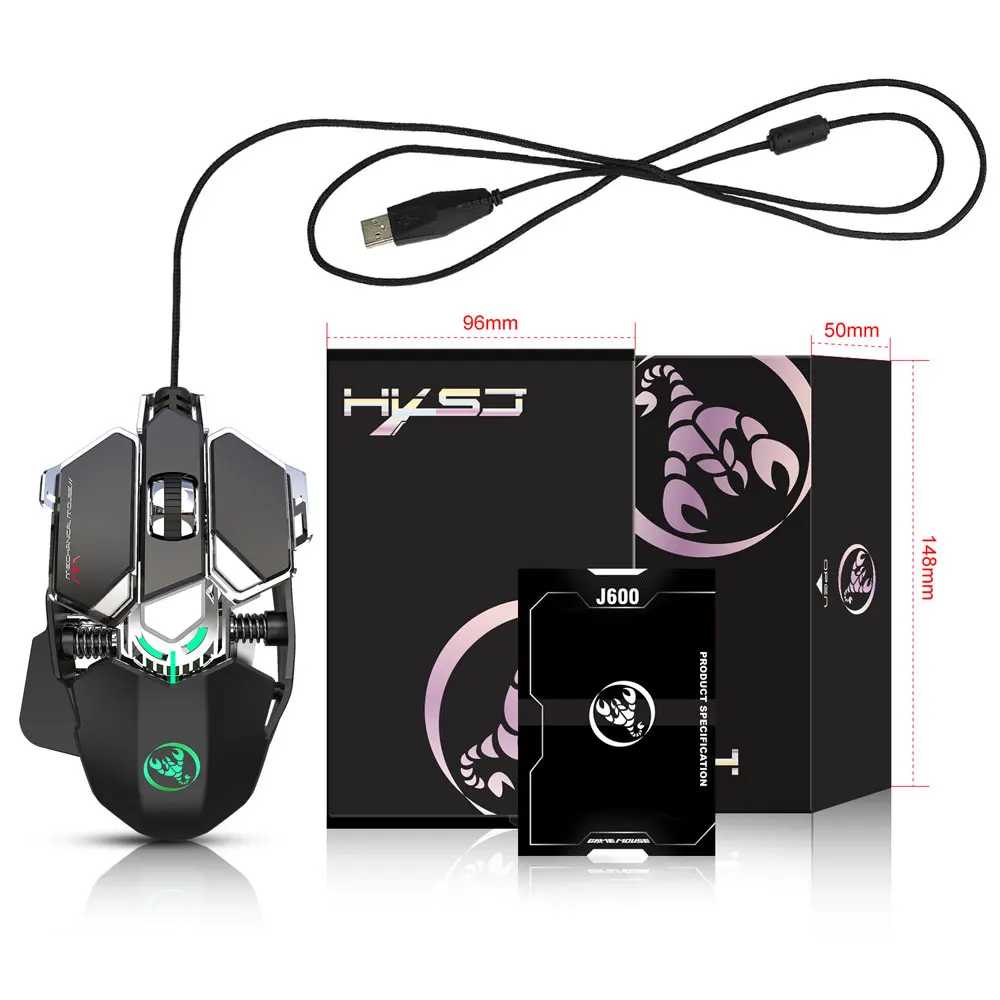
Specifications:
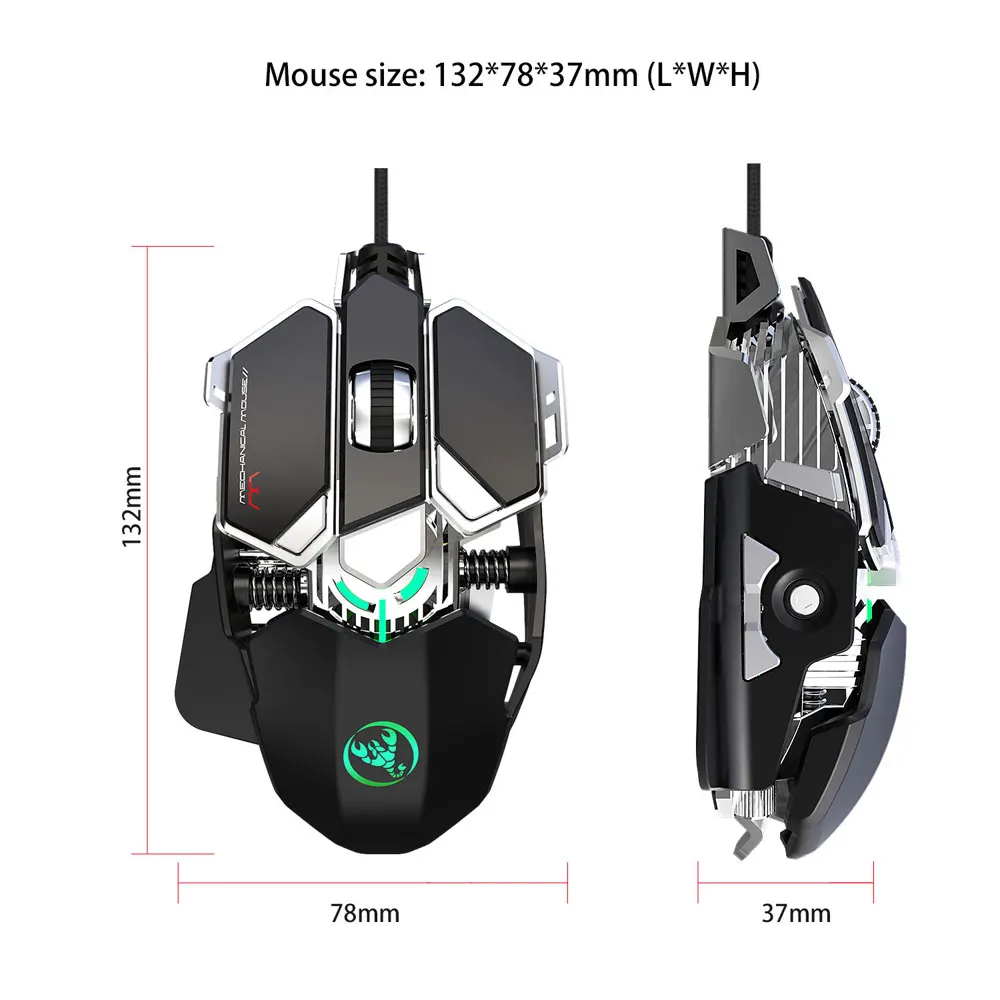
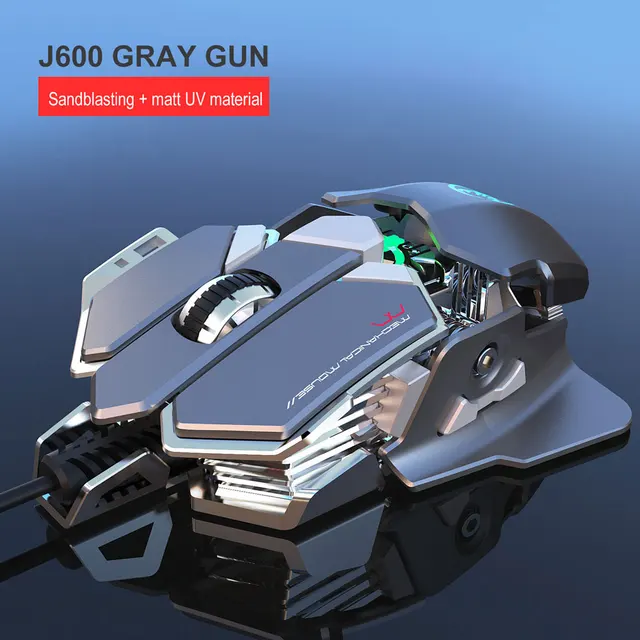
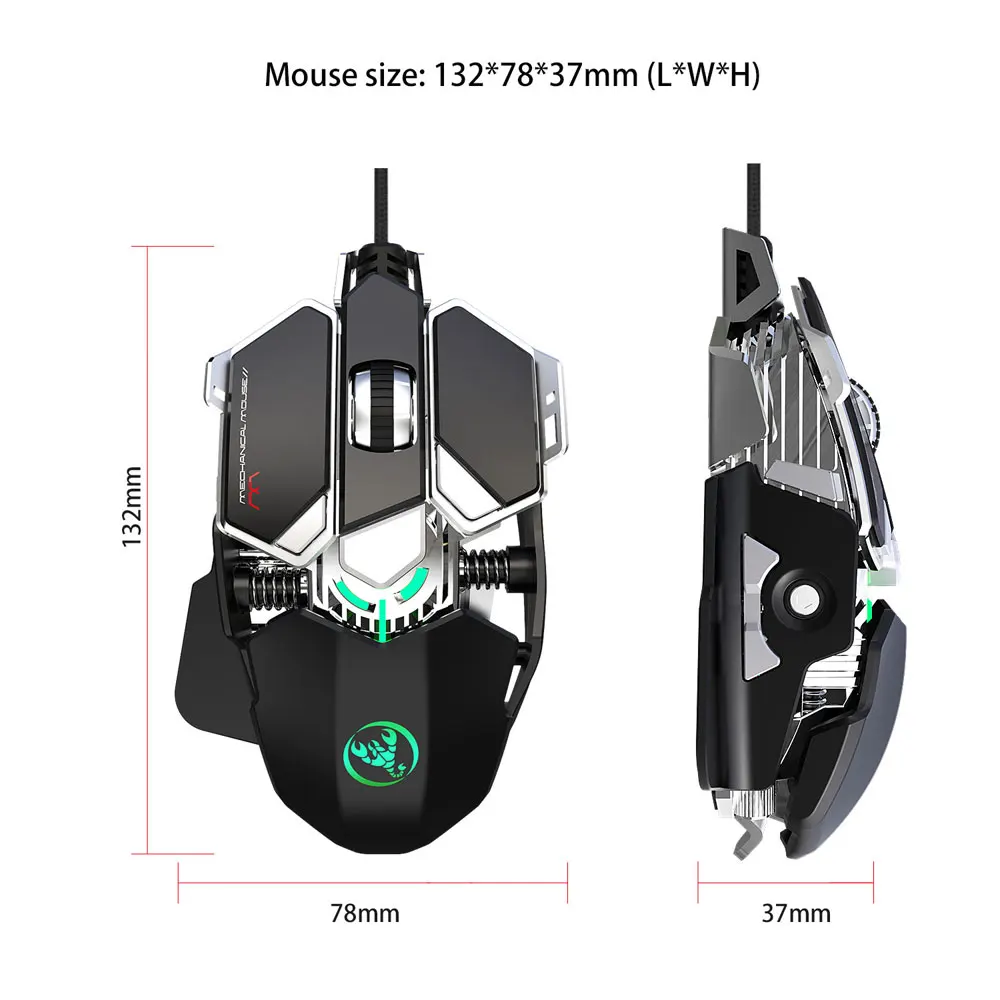
1. Product model : J600 Mechanical Macros Define the game mouse 2. 100% new mouse game 3. High-end brand mechanical macro definition gaming mouse 4. Human body engineering design 5. 9 programmable keys 6. Cool LED variable light effect 7. 12-level adjustable DPI, Max.6400 DPI 8. Voltage rating / electric current: DC 5V / 100mA 9. USB plug and play 10. Switch life:20 million cycle 11. Cable length: 150cm 12. Item Weight:137.5g 13. Item Size:130*80*35mm (L * W * H) 14. Package Weight:195g 15. Package Size:150*98*50mm 16. Support Windows 2000 / XP / win7 / win8 /win10 Vista 32bit IOS or latest.
How to use:
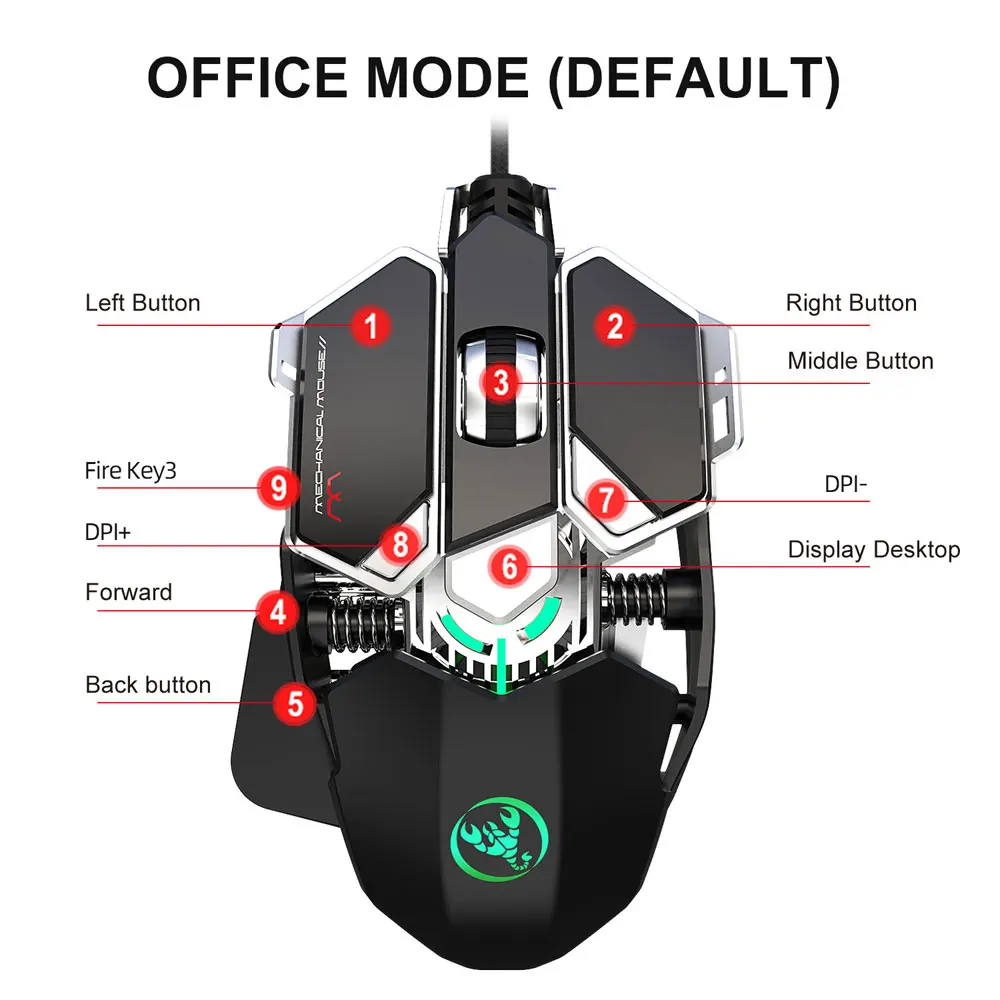
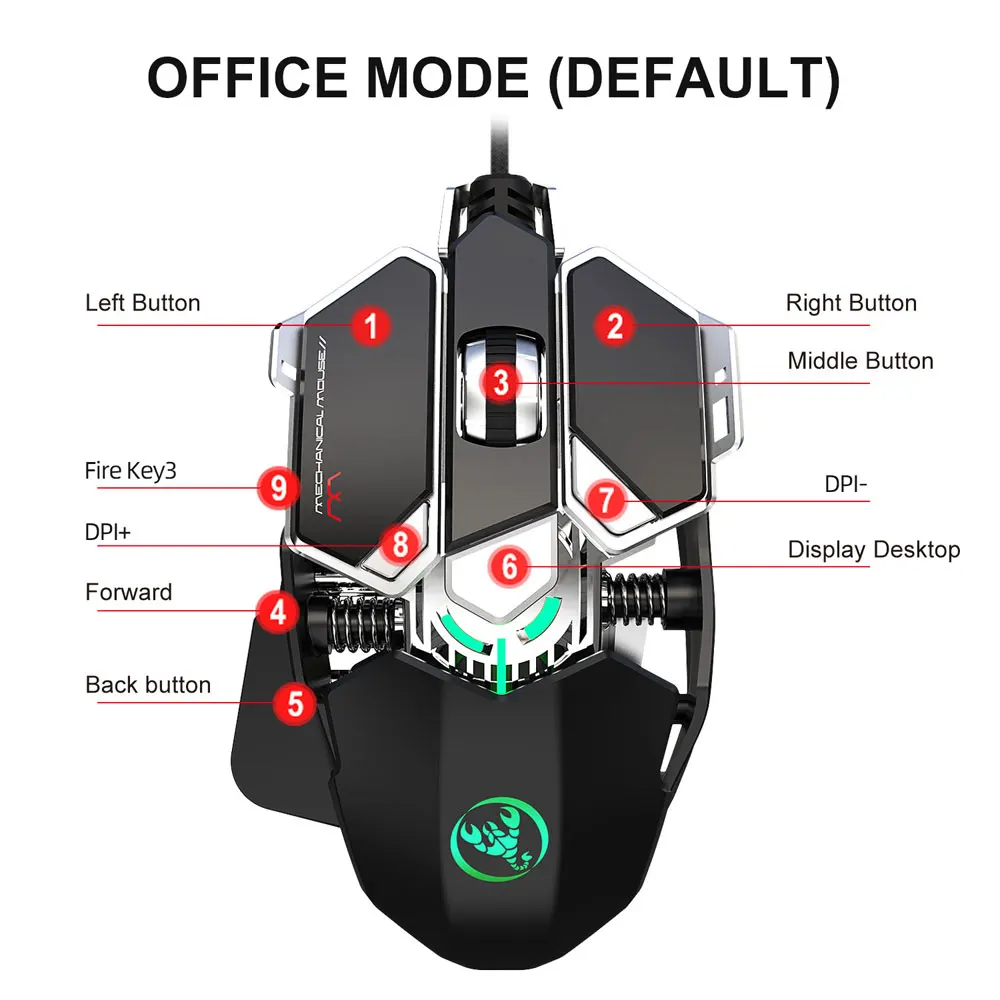
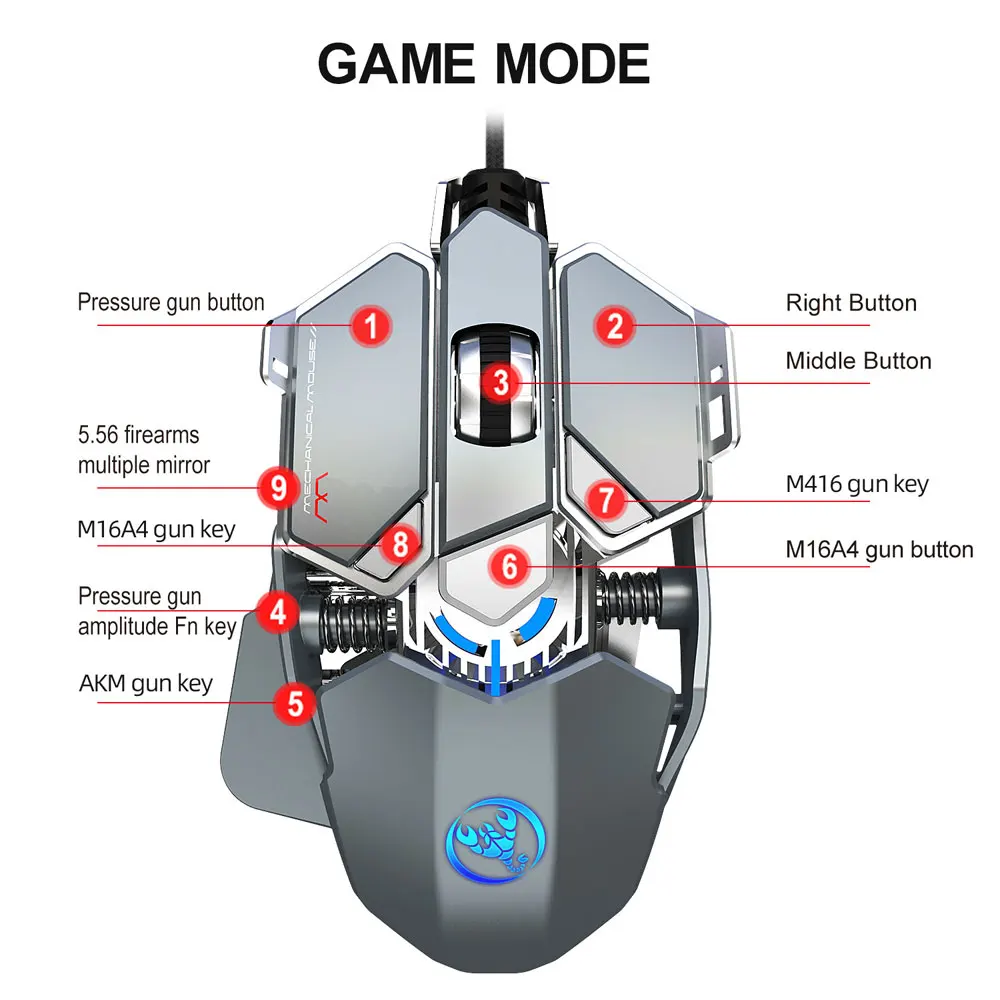
1. First download the macro programming software to the computer through the website,and run "setup.exe" to install. 2. When the mouse is successfully connected and used normally, the installation can be started. 3. After the installation is complete, the "J600" drive icon will appear on the desktop. 4. Adop professional game chip, using high-performance program control decoder chip for smooth motion and precise control. 5. Button settings For the 1-9 button (as shown), the drive supports custom settings. 6. DPI setting: default 800-1600-2400-3200-4800-6400 the Six-segment DPI value can be any section. 7. LED settings: always on, custom breath, spectral cycle, off. 8. Mouse parameters: You can set the pointer precision, wheel speed and double click speed. 9. Custom Settings: Custom macro editing that supports game effects. 10.When the settings are complete, click Applications and then click Save Configuration. You should start the driver again the next time you use it so that you can use all customizations Features.
| Logistics mode | Estimated limitation of transportation (working day) | Gross freight | Other expenses | Unit price | Quantum of output | Suggested retail price |
|---|
| Logistics mode | Estimated limitation of transportation (working day) | Country | District | Postcode | Weight(kg) | Gross freight |
|---|---|---|---|---|---|---|
| No transportation available~ | ||||||