




 Enter store
- Description
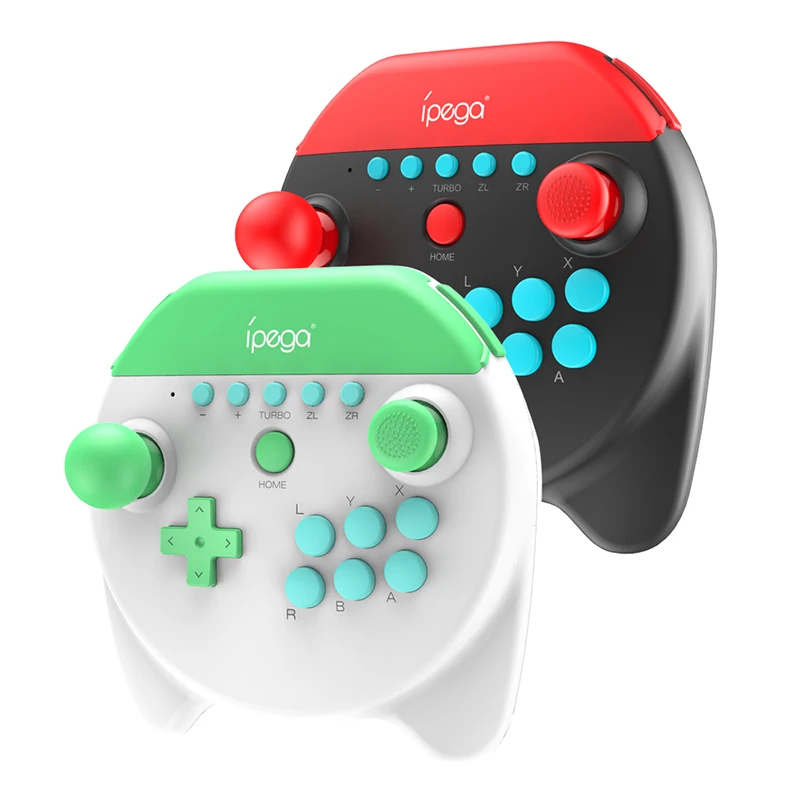
Application Introduction:
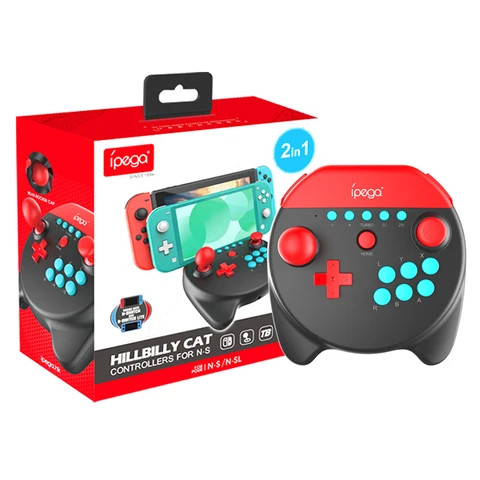
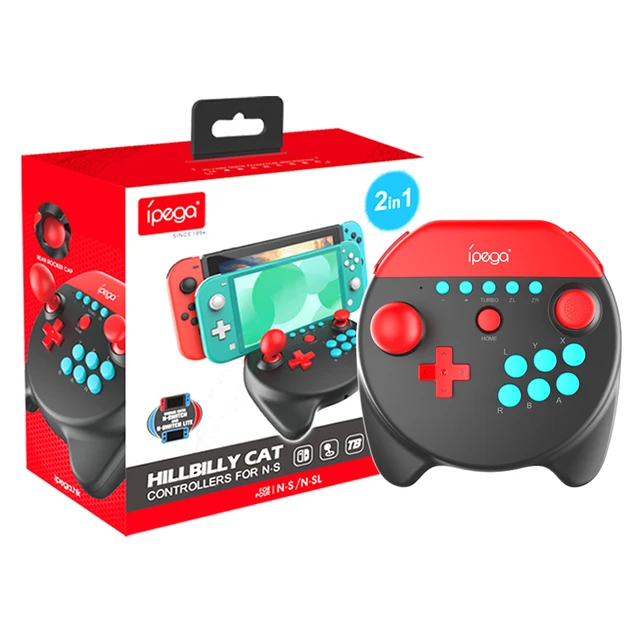
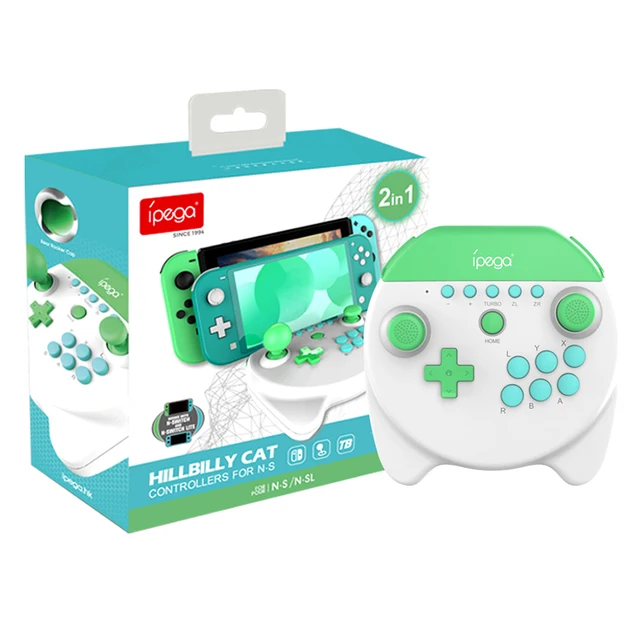
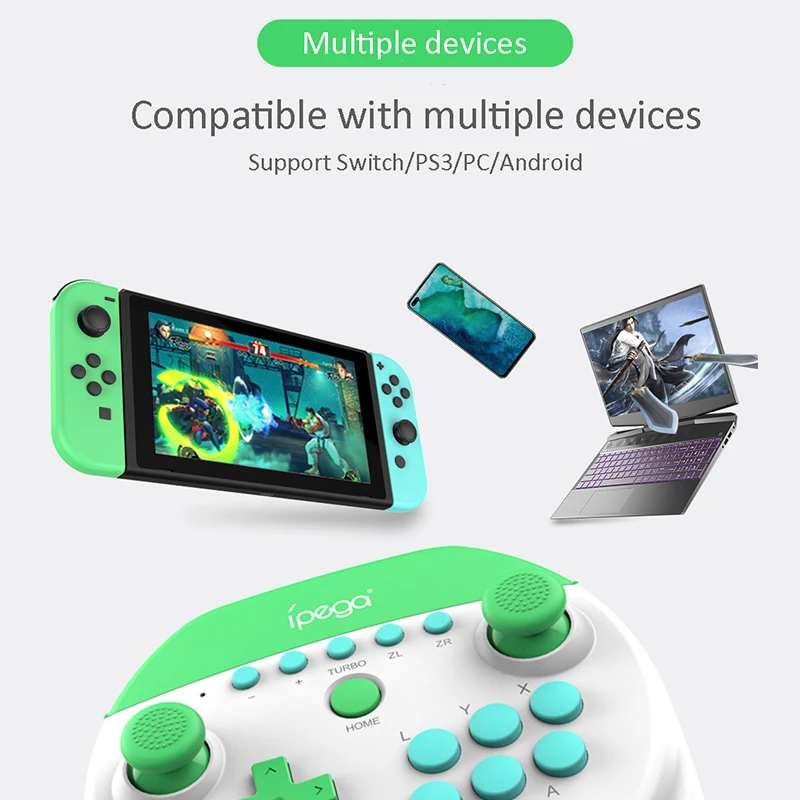
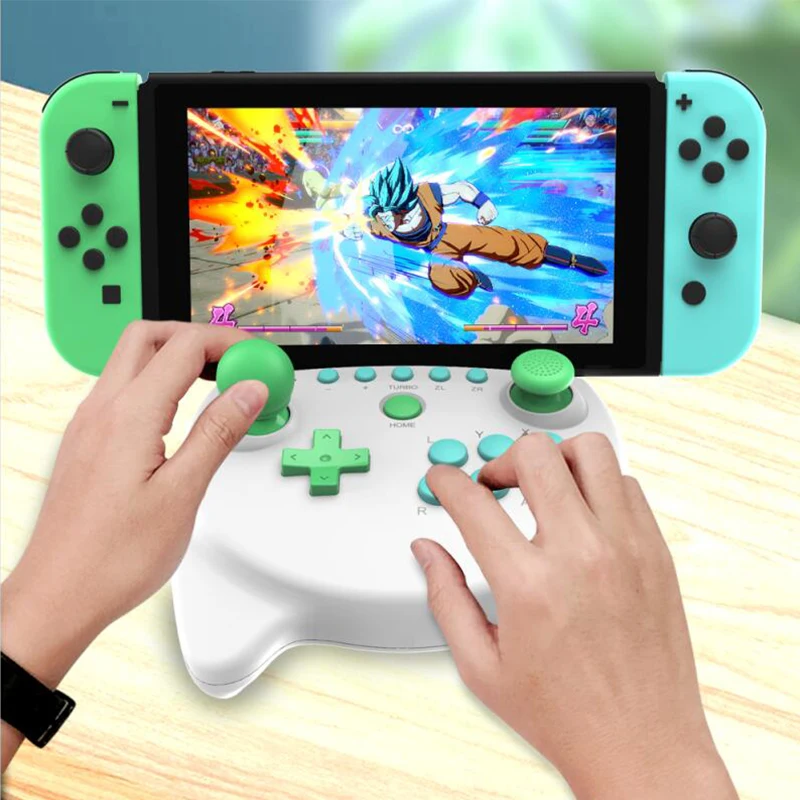
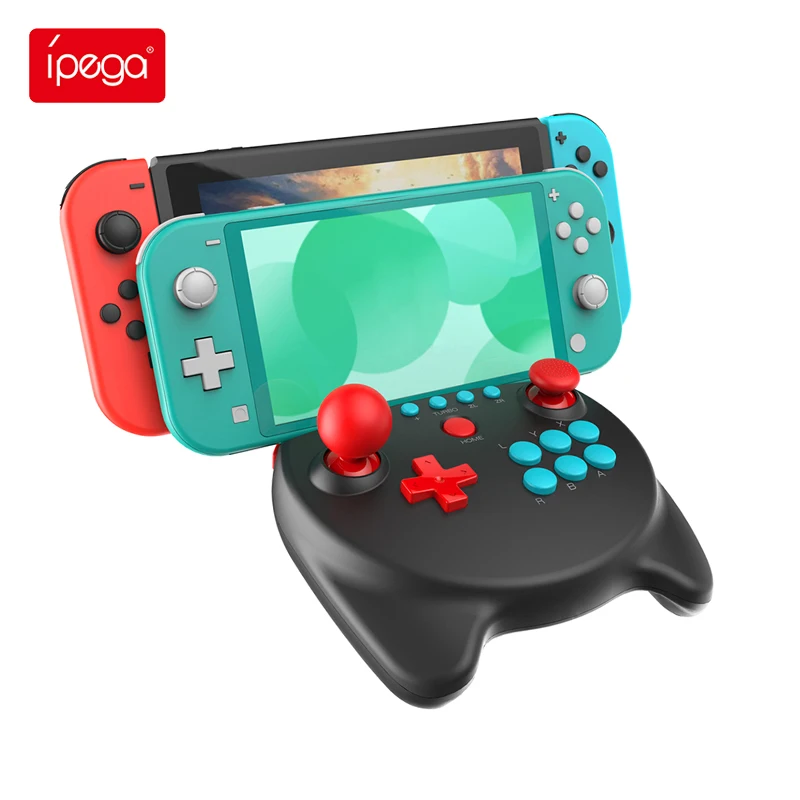
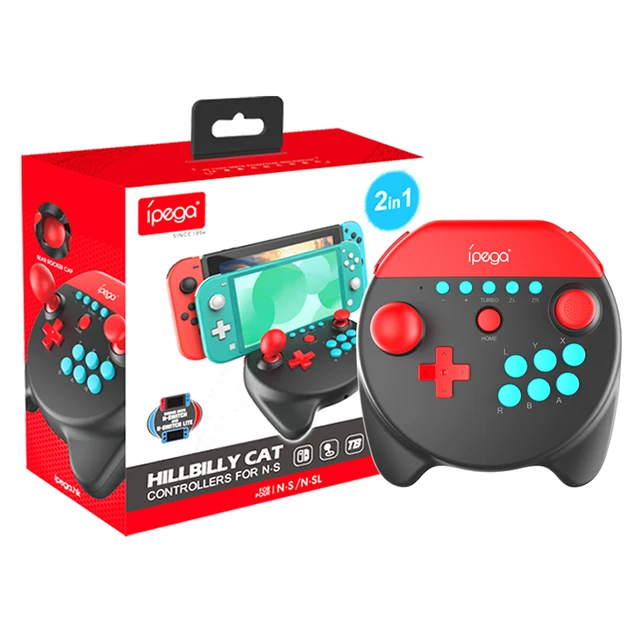
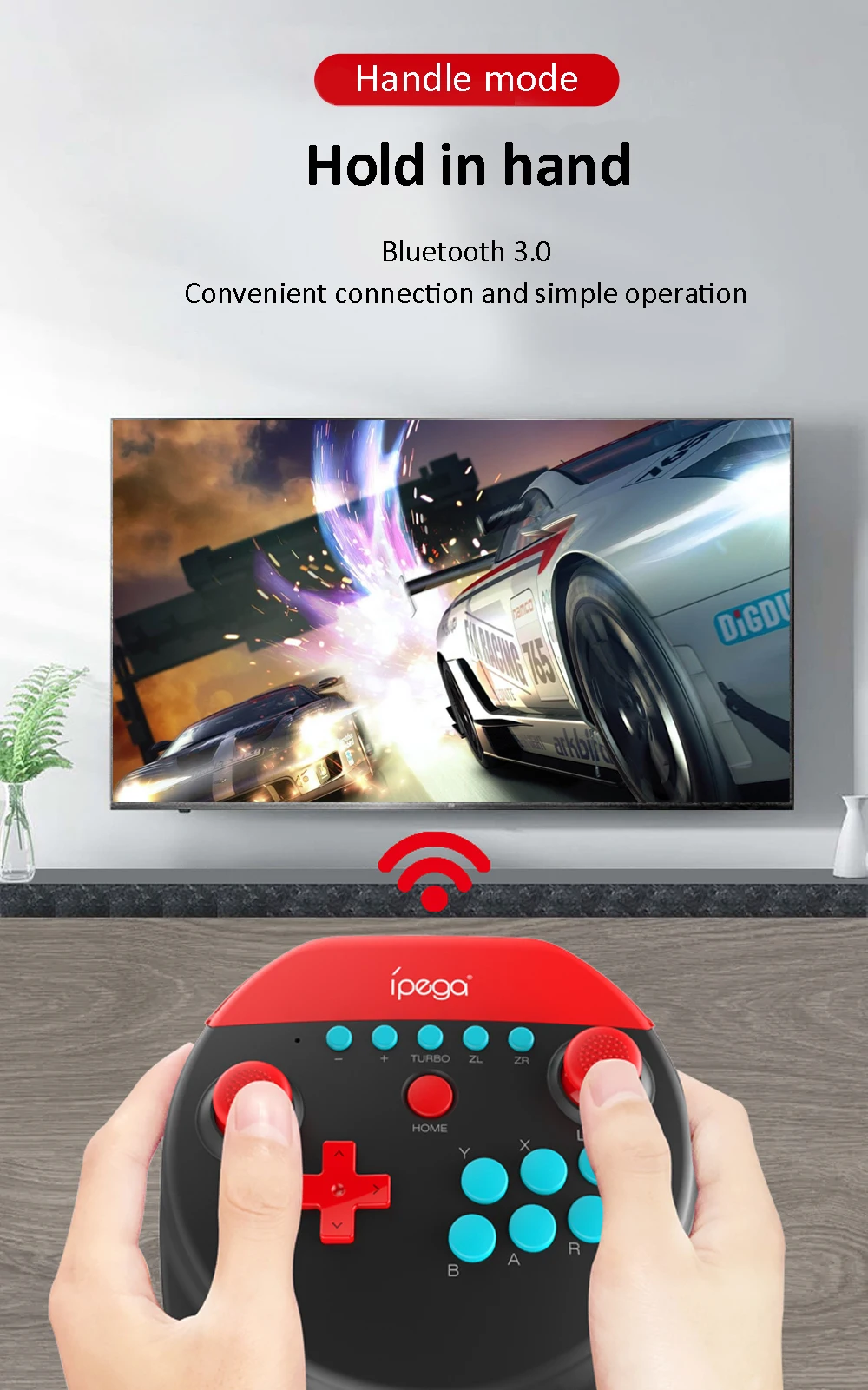
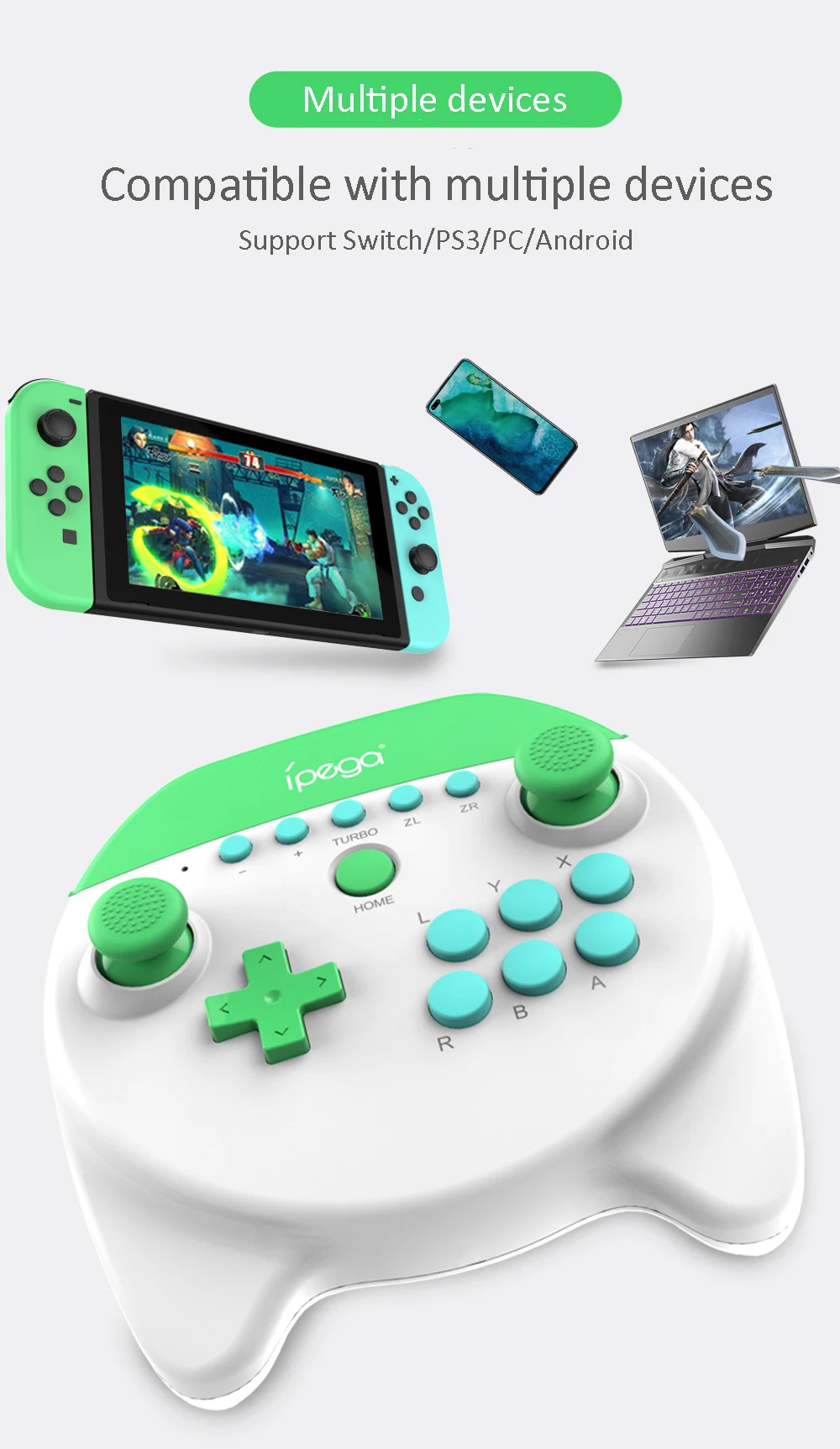
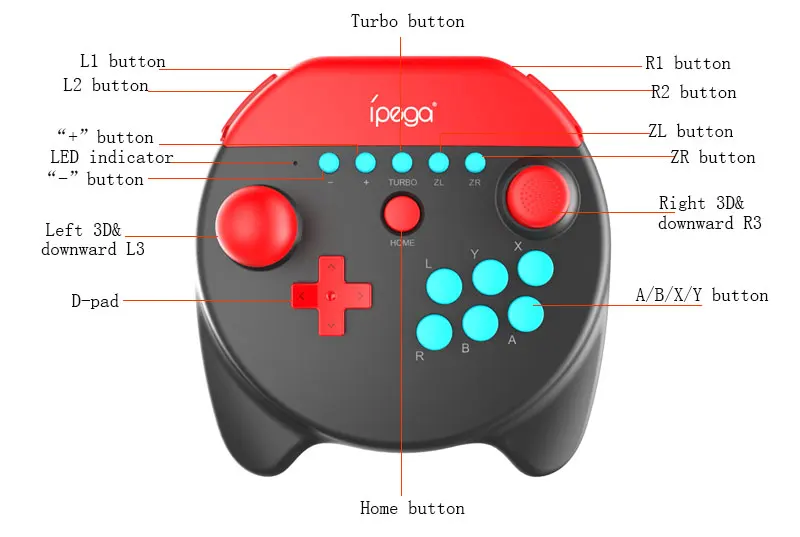
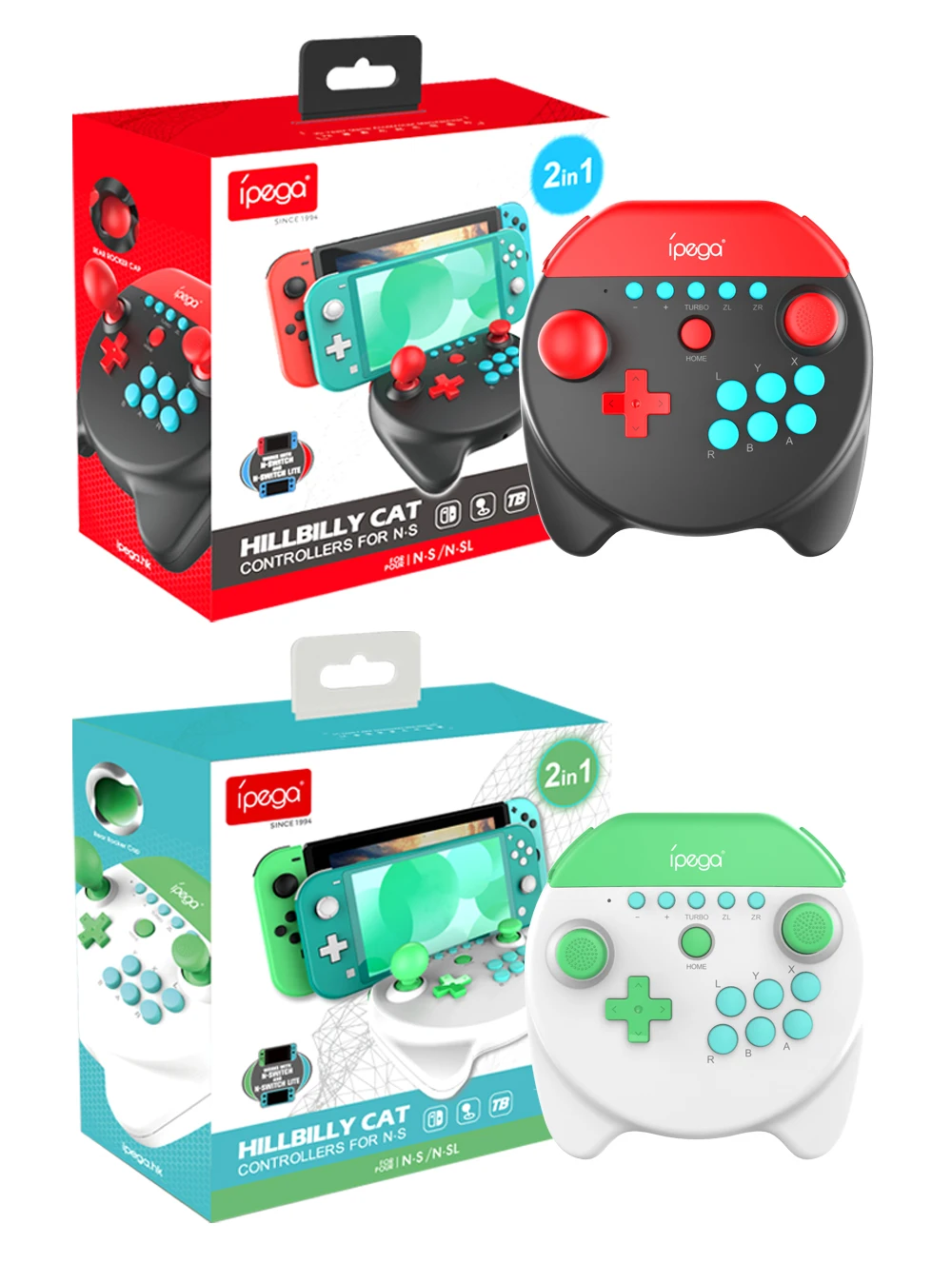
1.This controller is used for playing games of N·S/ P3/ Android and PC (Win7 or above system).
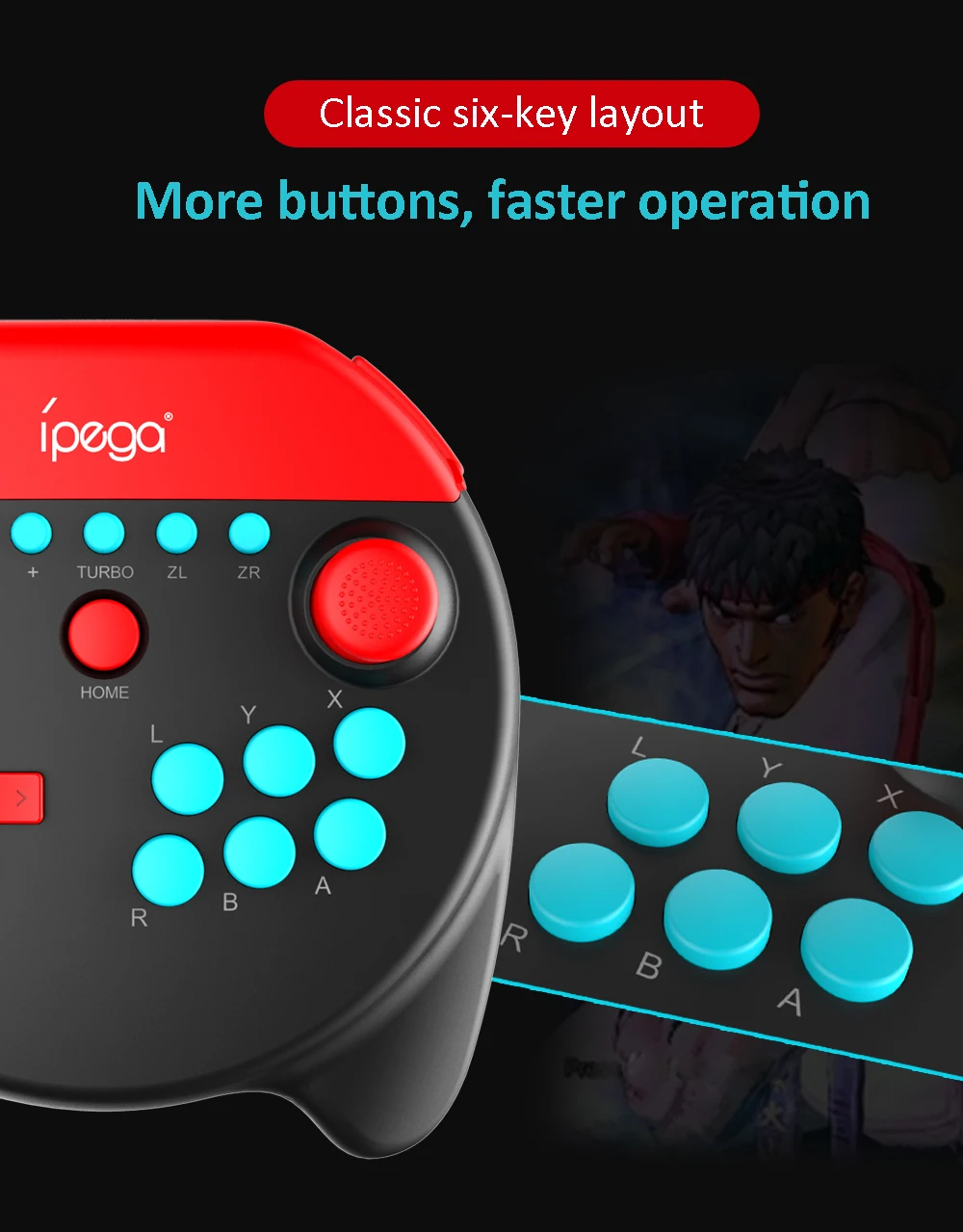
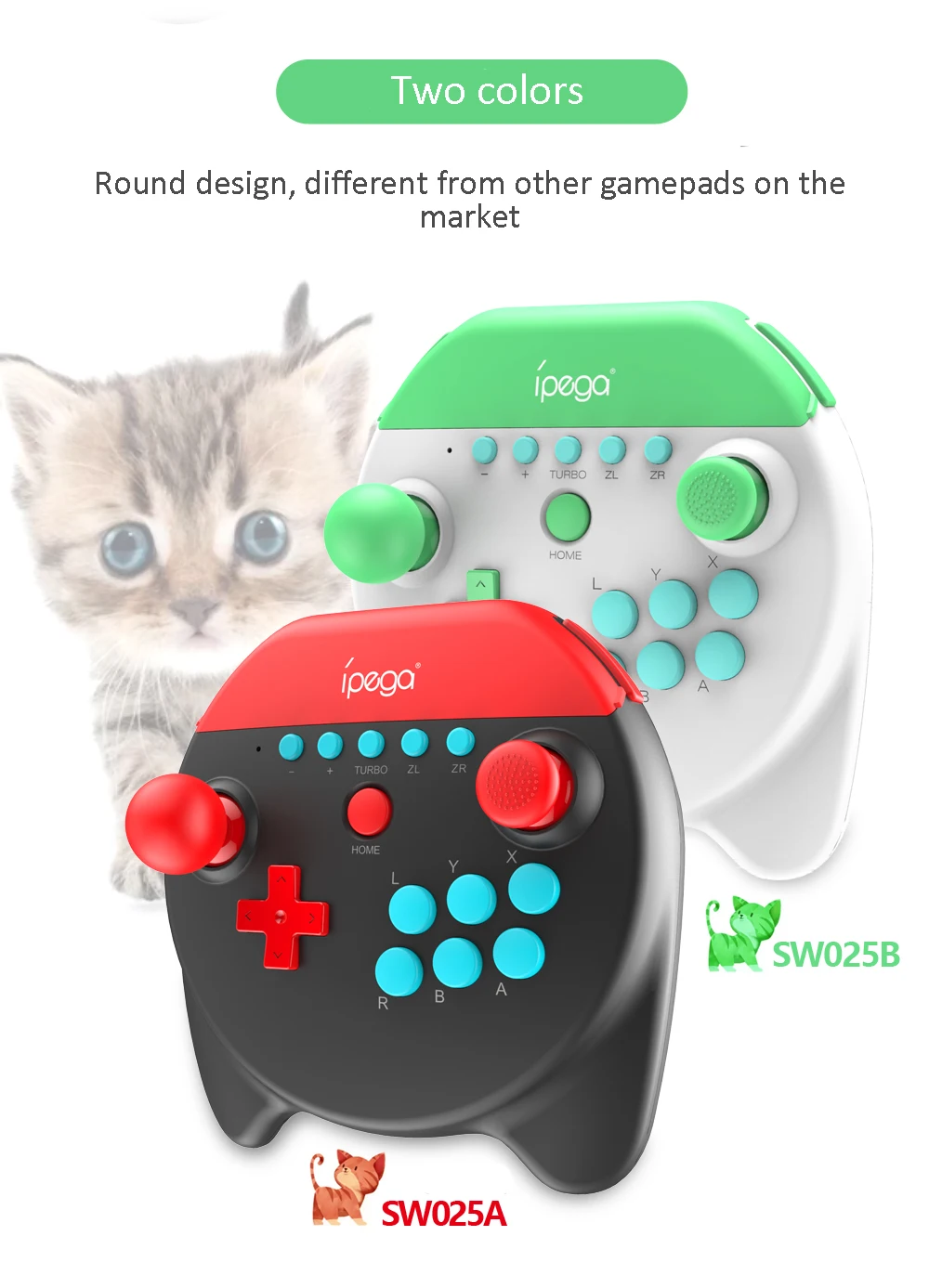
2.The function button is one-one corresponding with N·S pro gamepad.
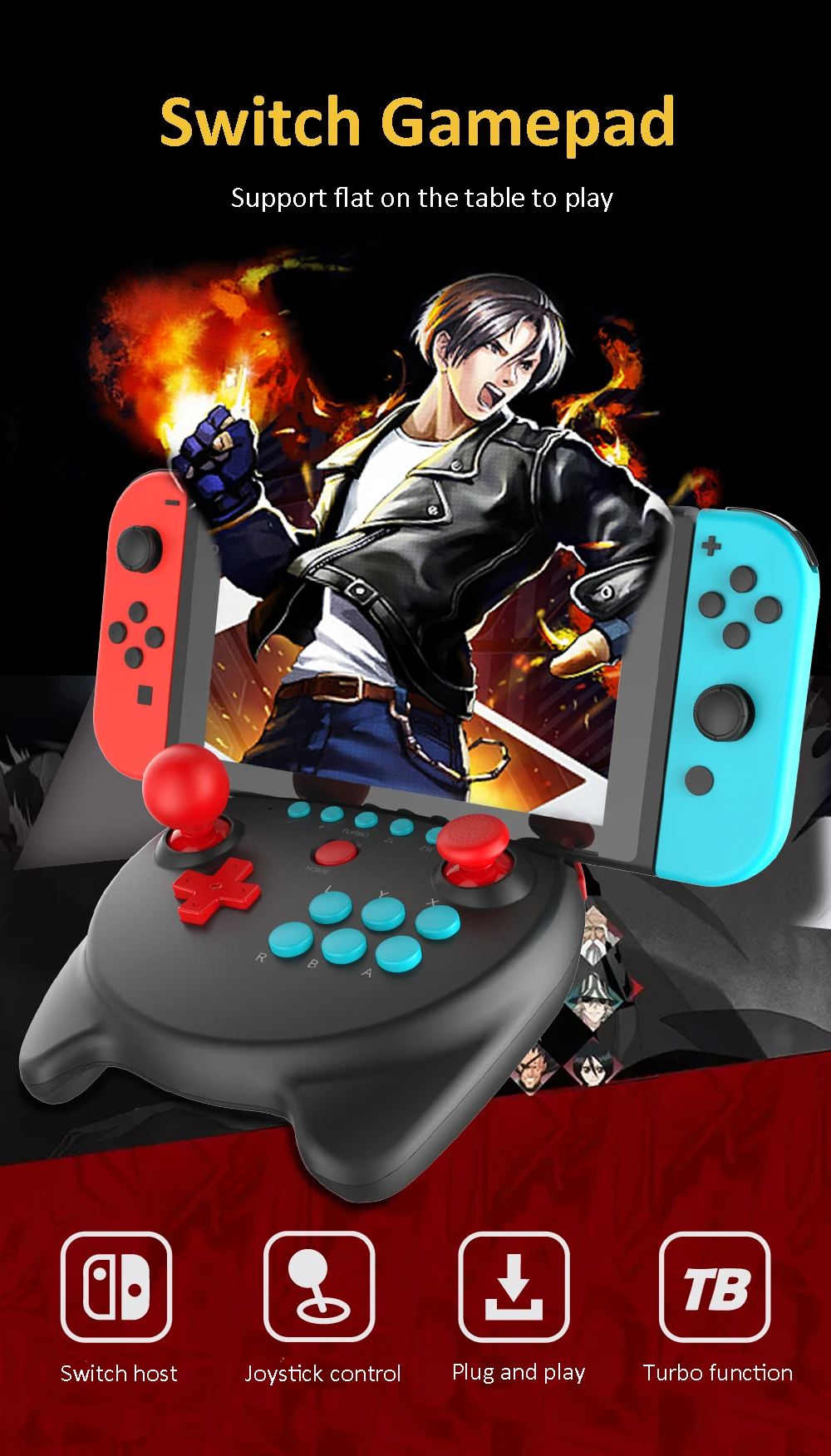
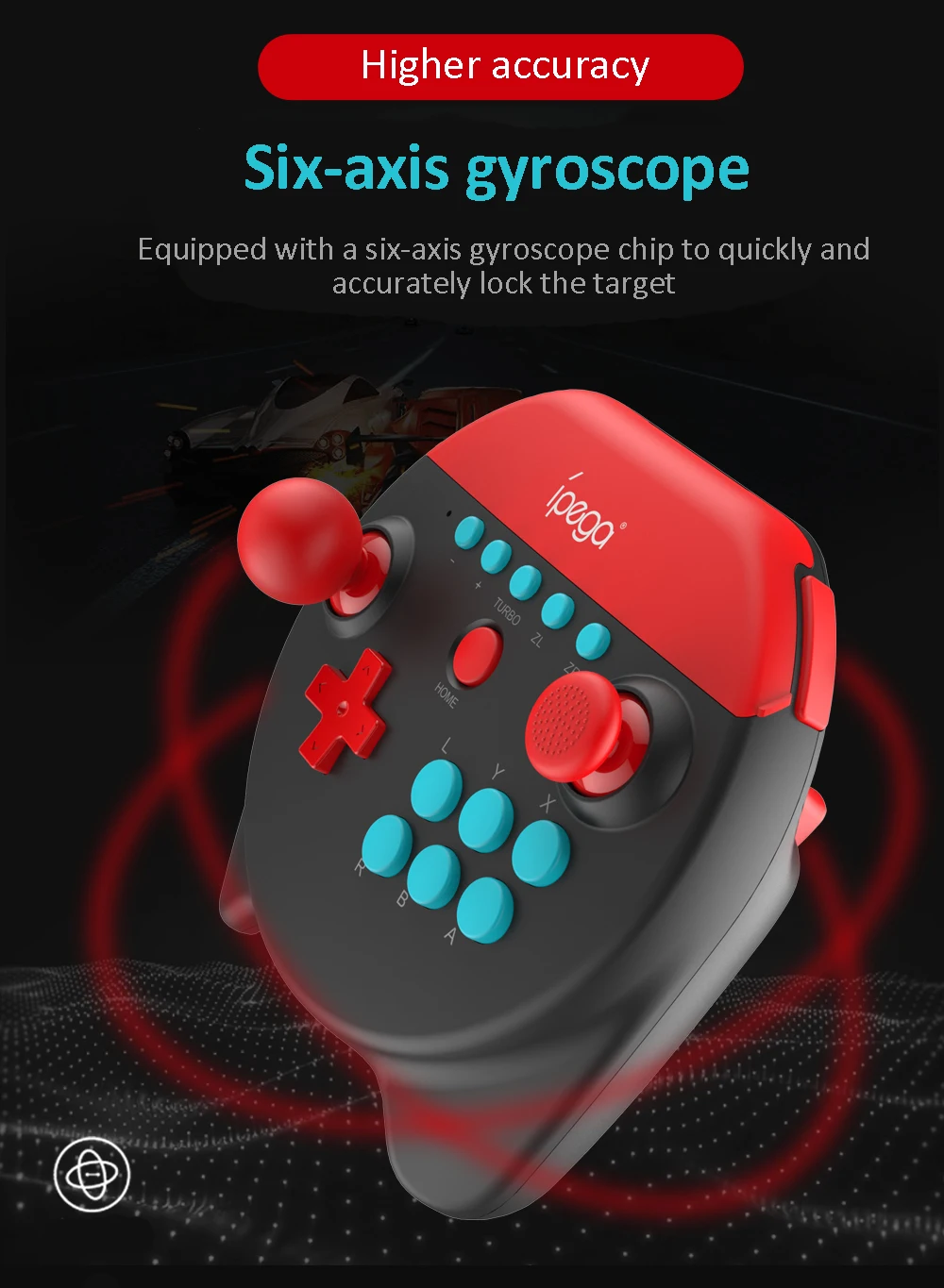
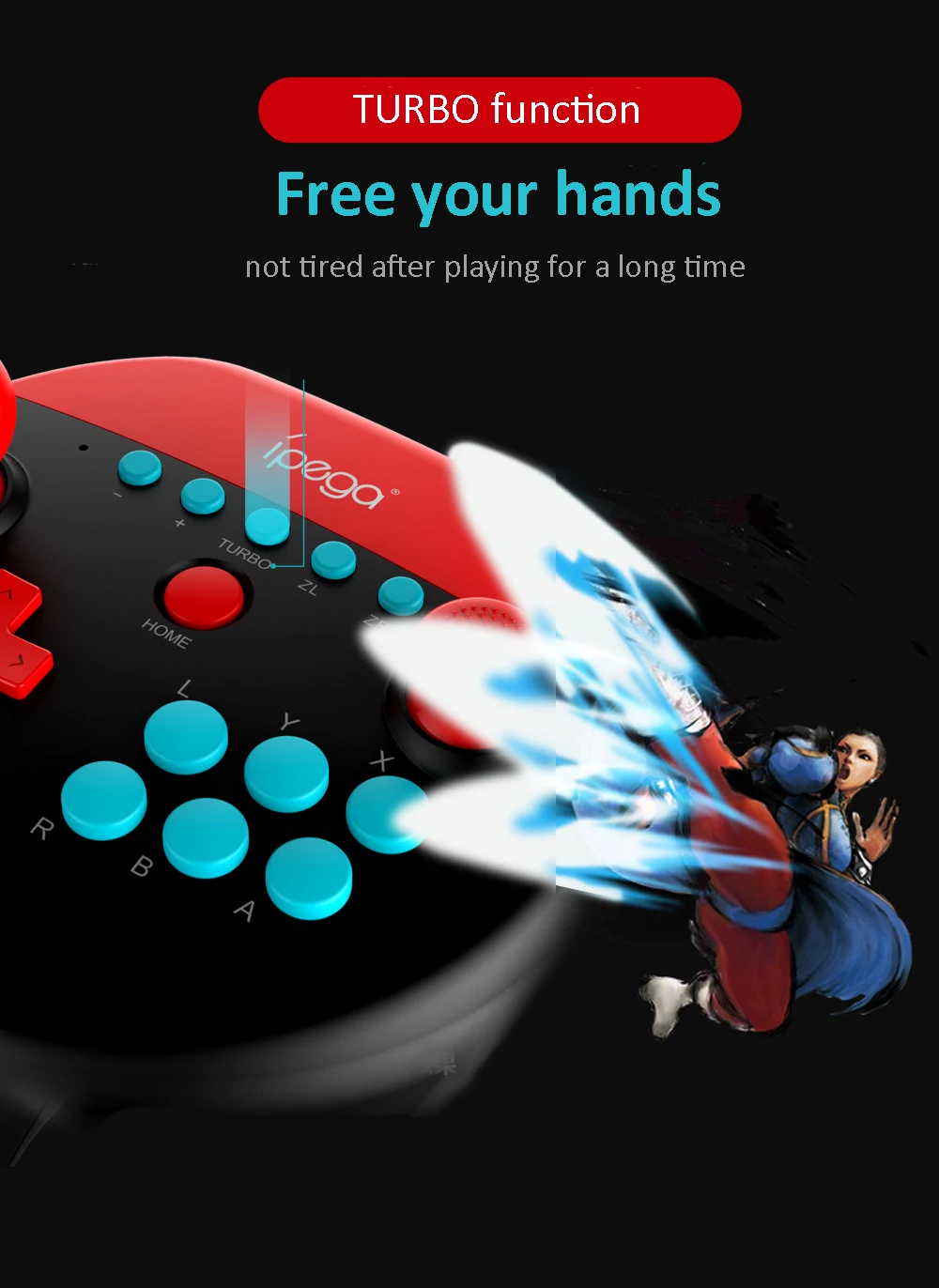
3.The controller support TUBRO and Six axis gyroscope function, let players get a better gameexperience.
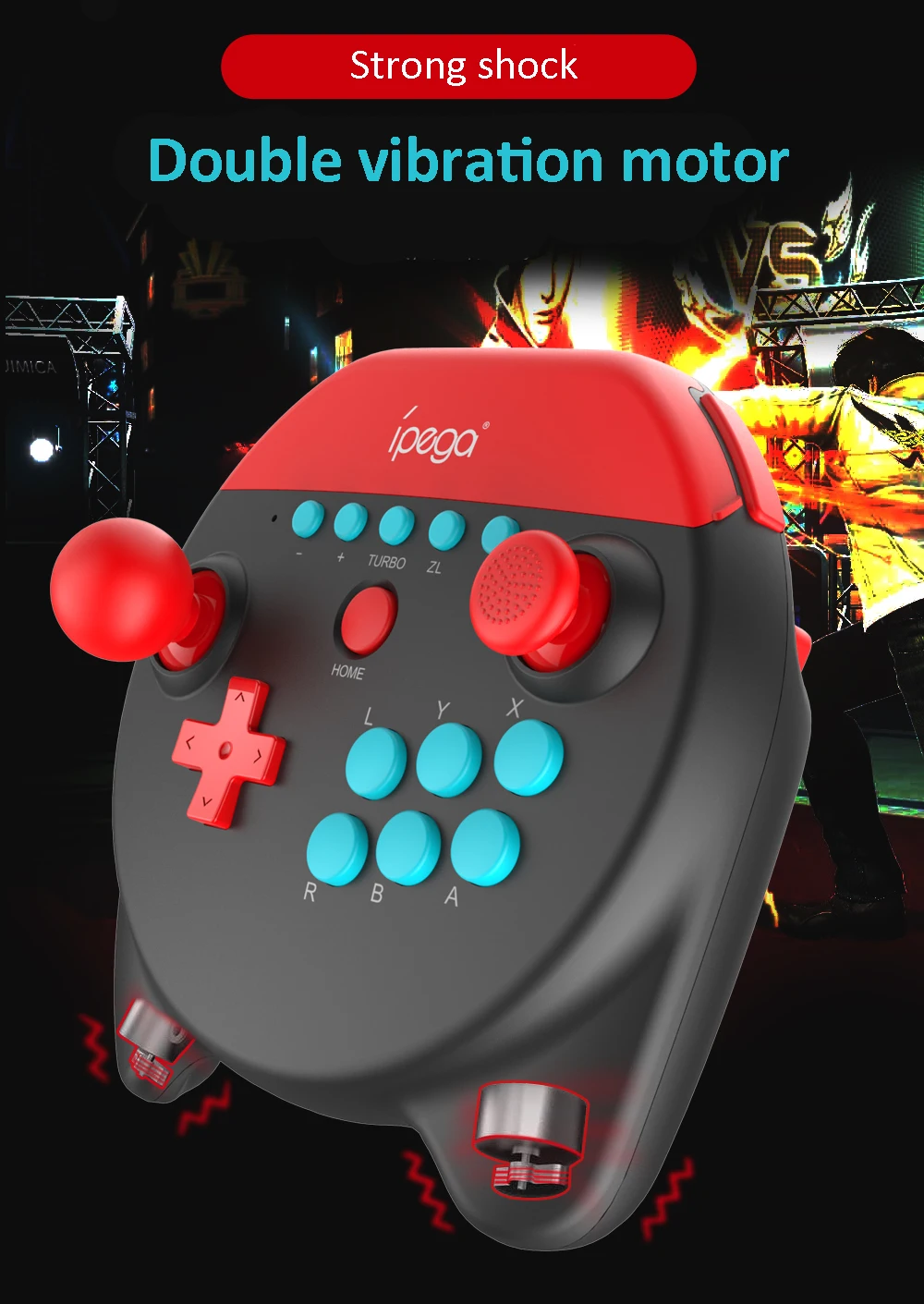
4.Ergonomic structure, comfortable hand feeling.
5.When used in equipment other than NS, A and B swap, X and Y swap.
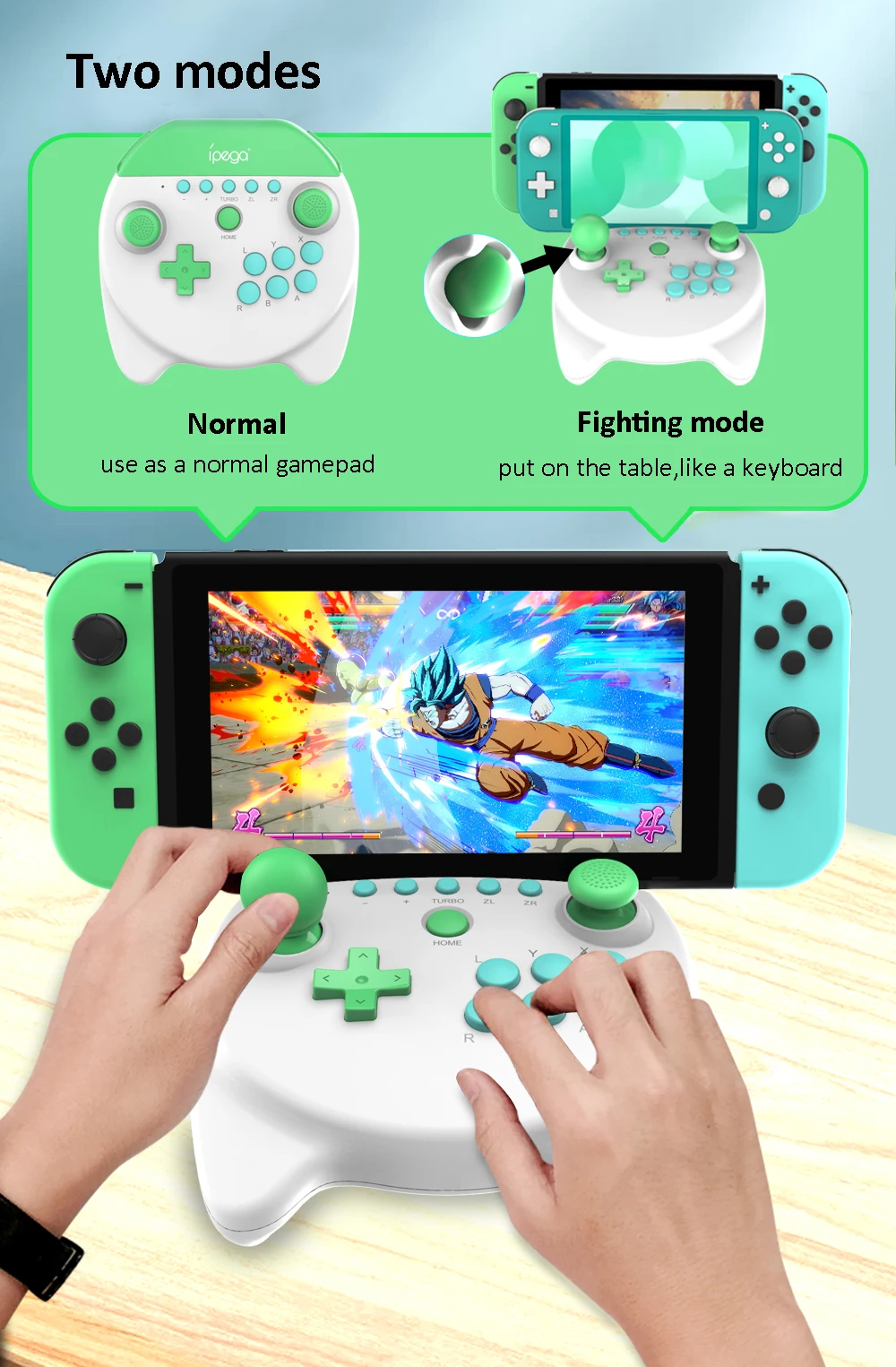
Usage of Silicone Joystick Cap :
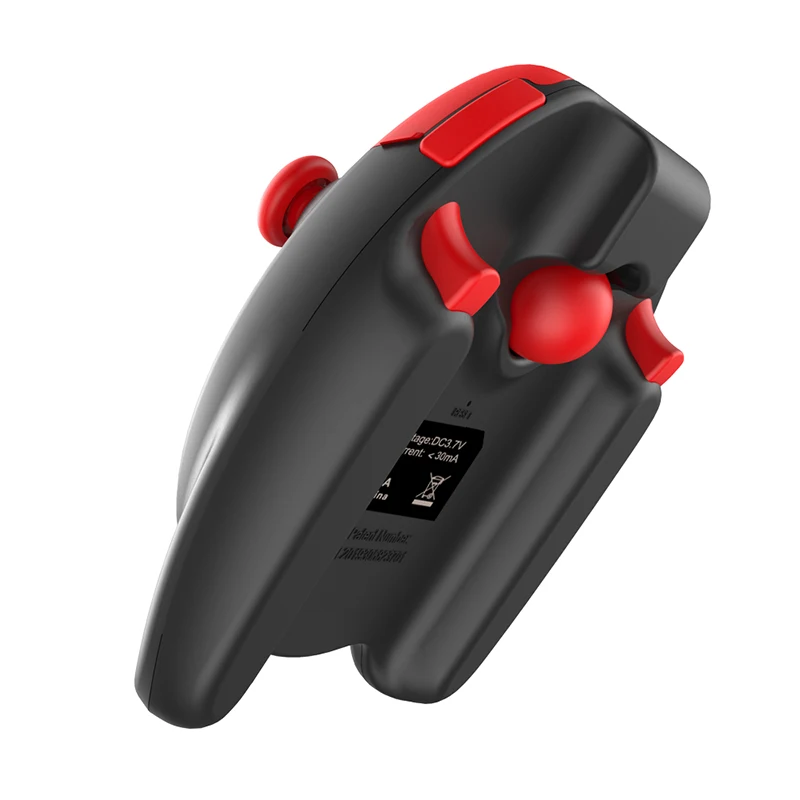
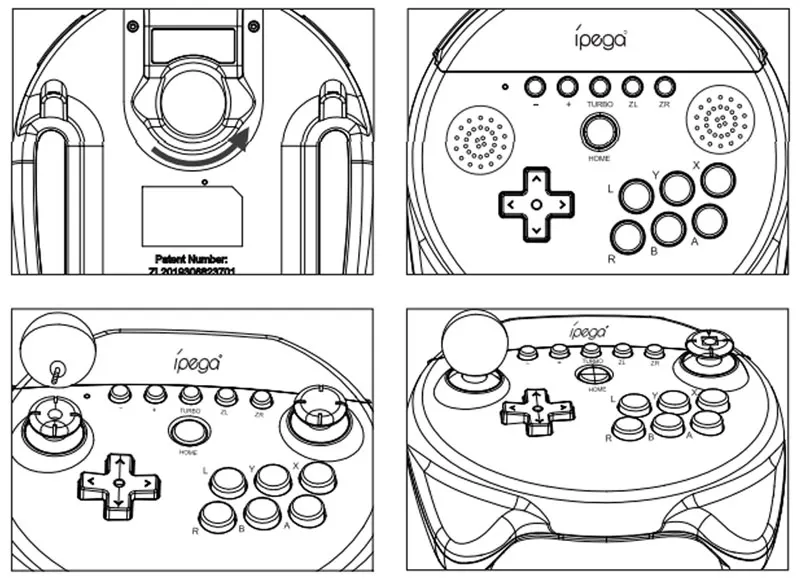
1.Turn the Joyctick cap counterclockwisefrom the bottom of the controller, as arroware shown below.
2. When playing arcade games, you can screwthe joystick cap into the left 3D joystick to playing.(Note: The joystick cap can only be install onthe left side.)
N·S Console Connection:
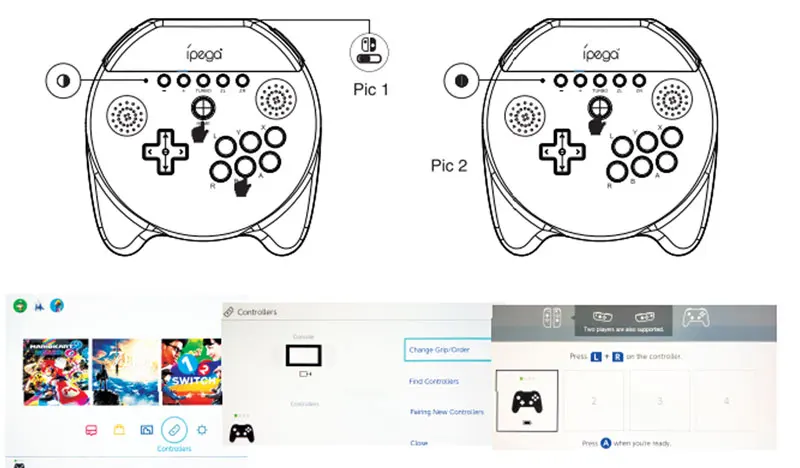
1.First time connect the controller with N S console: turn on the N S console, in the N S homescreen, click "controller" + "change Grip/ Order", enter pairing mode interface; When thecontroller is off, press "B+HOME" of for 2 seconds to enter pairing mode, the LED of controllerrapidly cycle flashing, pairing successful when the LED keeps on, then press A to operate.
2.Connect the controller to N·S console again: press HOME for 2 second to turn on the controller,it will connect automatically, LED keeps on, then press A to operate.
3.Wake up controller: In the sleep status of the controller, short press HOME to wake up thecontroller, it will connect with console automatically, LED keeps on, then press A to operate.
Android Device Connection:
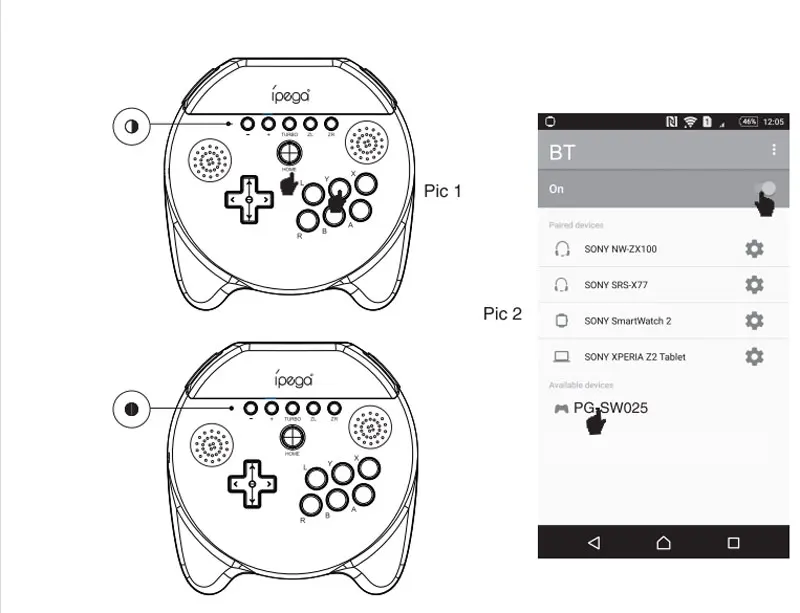
1. When the controller is off, press Y+HOME at the same time for 2 seconds to turn on, the pairingindicator LED quick flashes.
2. Meanwhile, in the BT "Available Devices" list of Android devices, find and dlick "PG-SW025" to pairing.3. After pairing successful, LED keeps on, controller enter Android mode
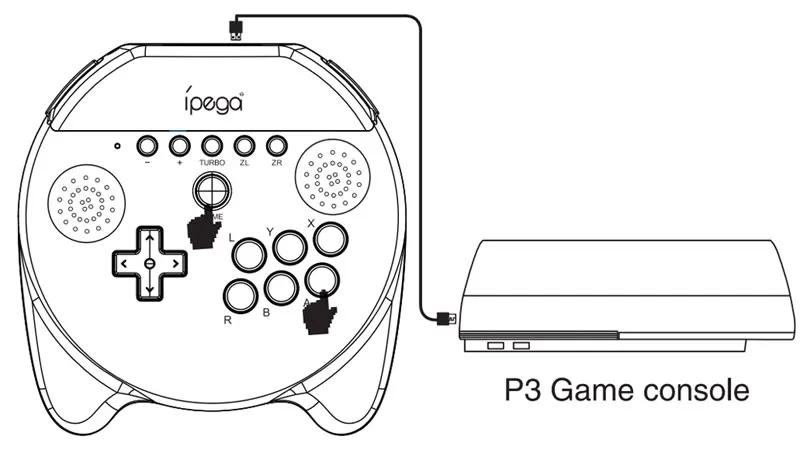
P3 Console Connection:
1. When the controller is off, press A+HOME atthe same time for 2 seconds to turn on, the
indicator LED quick flashes.
2. Then connect the controller with P3
console by USB data cable, then press
HOME to pairing.
3. After pairing successful, LED keeps on,controller enter P3 mode.
4. Pull out the USB cable, controller enterwireless connection mode.
5. When the controller enter sleep mode, press HOME to wake up, it will connect automatically.
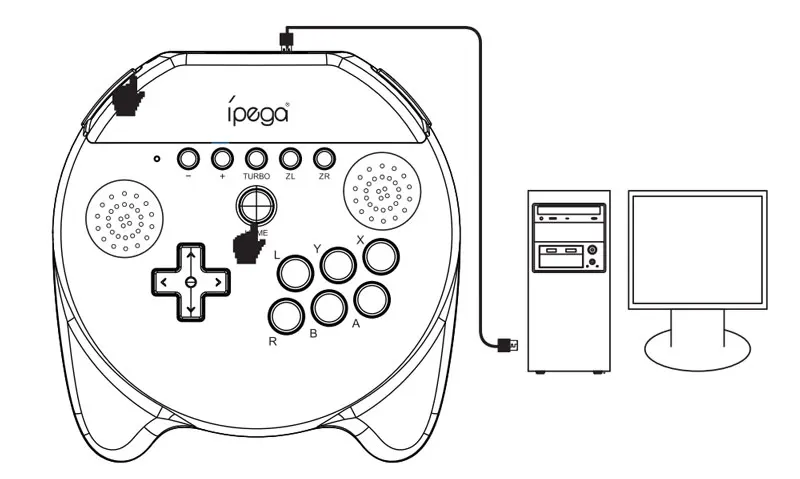
Wired Connection of PC:
1. When the controller is off, press
L1+HOME for 2 seconds to turn on, theindicator L .ED quick flashing; Connect thecontroller to PC via USB data cable, it
enter PC wired mode, LED keeps on.
2. You can switch to PC XB360 mode bypress HOME for 3 seconds, at this point,LED will keeps on after flash twice.
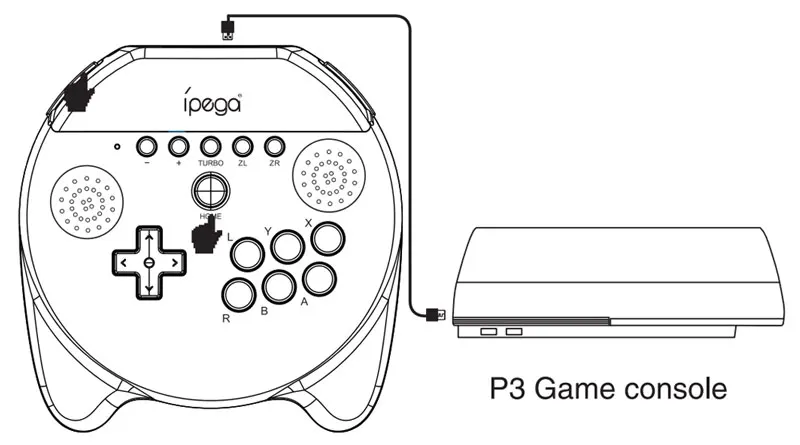
Wired connection of Android/ P3 Console:
1. When the controller is off, press
L1+HOME for 2 seconds to turn on, theindicator LED quick flashing; Connectthe controller to Android device/ P3 viaUSB cable, Controller LED keeps on,connected successfully.
| Logistics mode | Estimated limitation of transportation (working day) | Gross freight | Other expenses | Unit price | Quantum of output | Suggested retail price |
|---|
| Logistics mode | Estimated limitation of transportation (working day) | Country | District | Postcode | Weight(kg) | Gross freight |
|---|---|---|---|---|---|---|
| No transportation available~ | ||||||